
Купить Cursor Pilot


Customize your cursor and streamline your desktop with a radial quick-access menu, notes, shortcuts, an on-screen keyboard, device information, and useful Windows tools—all accessible from one lightweight utility.

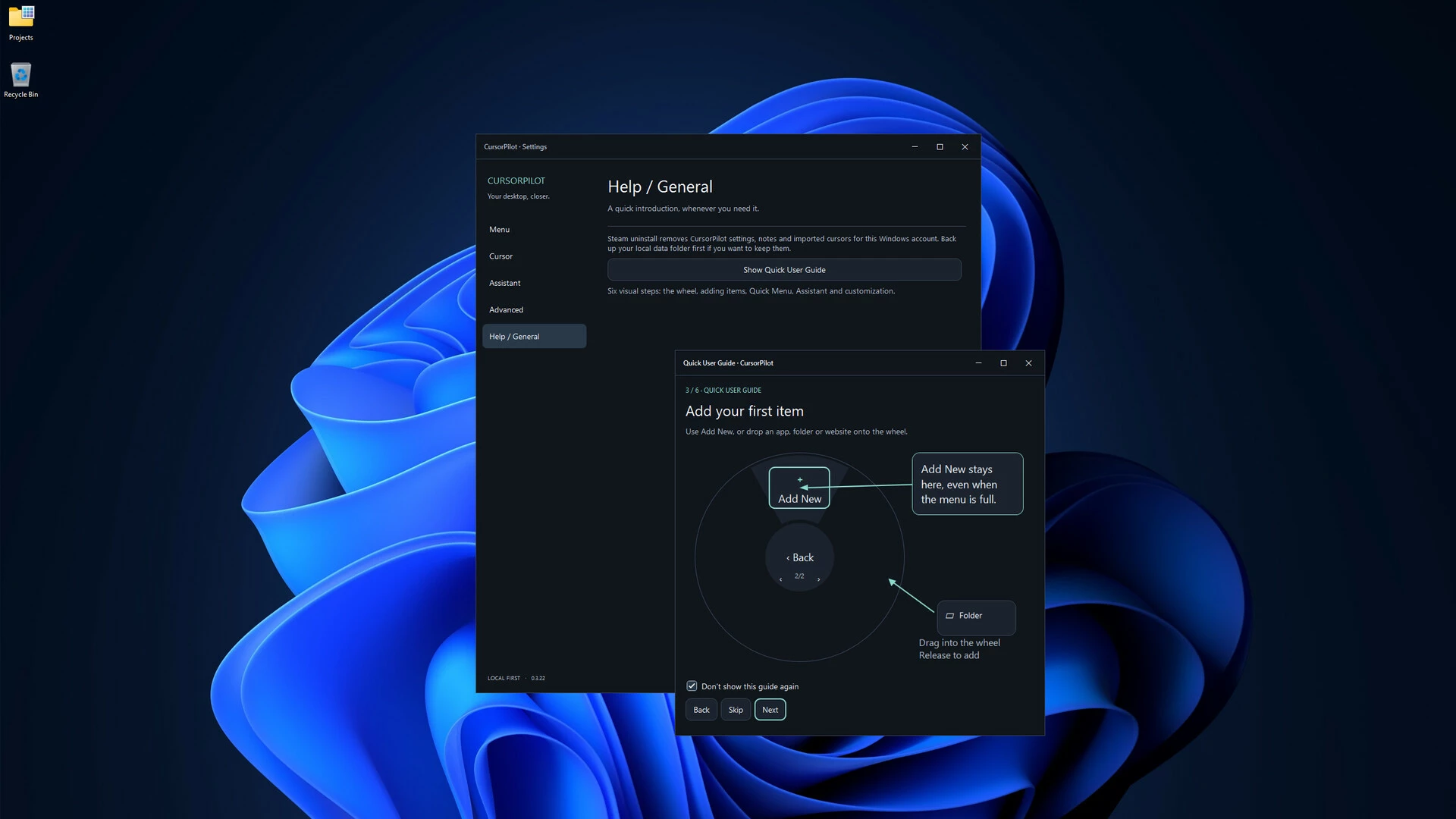
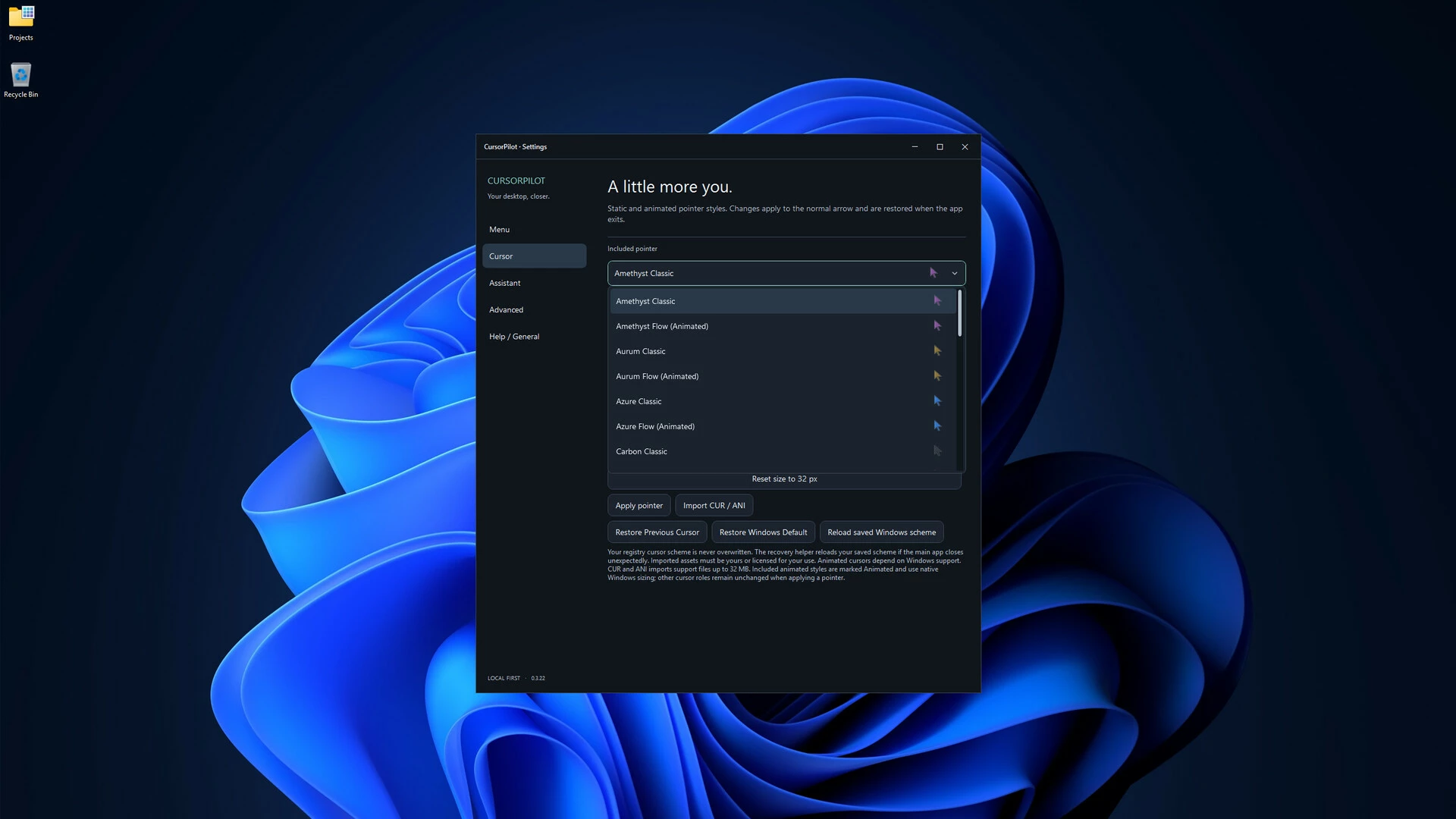
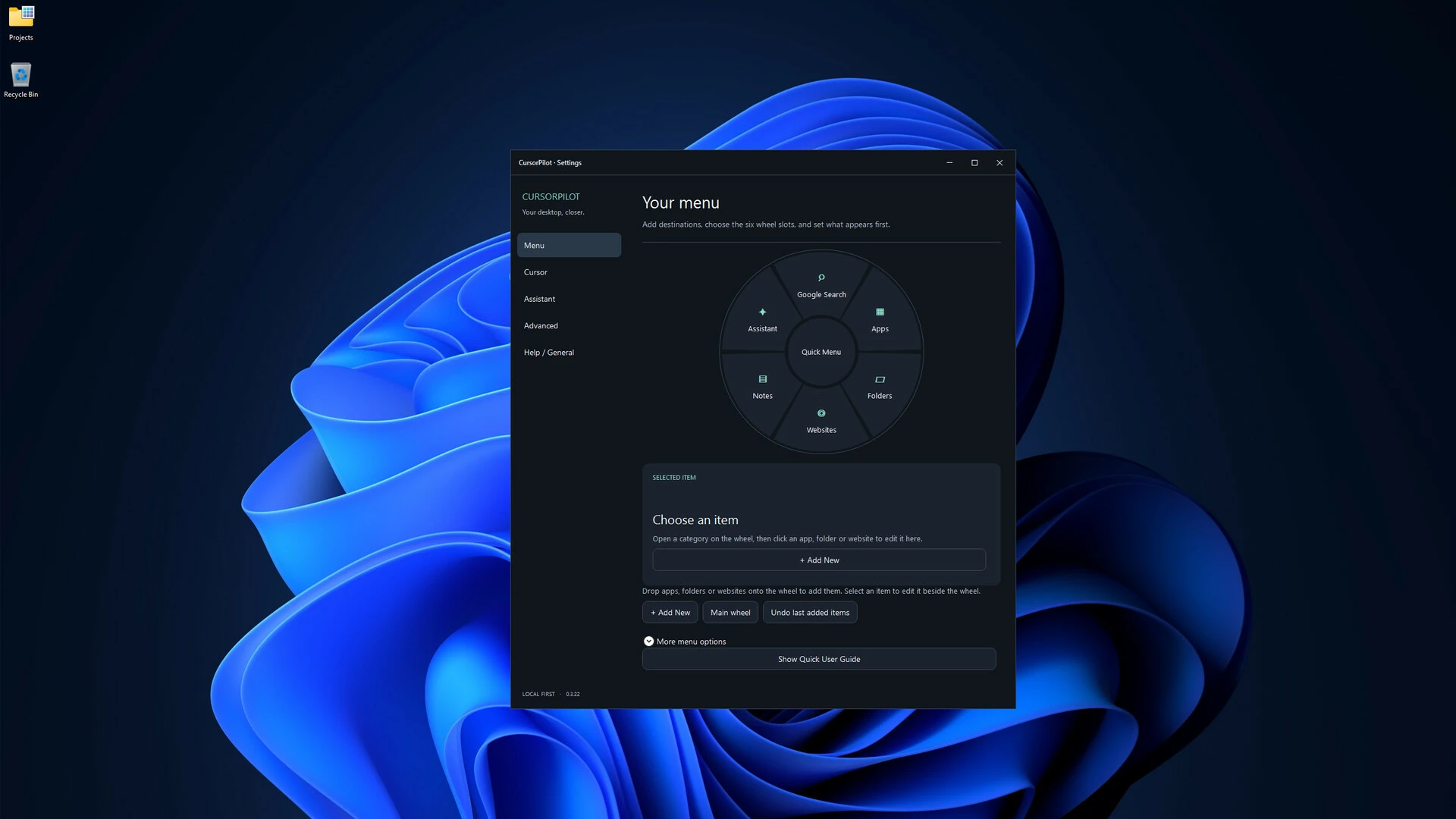
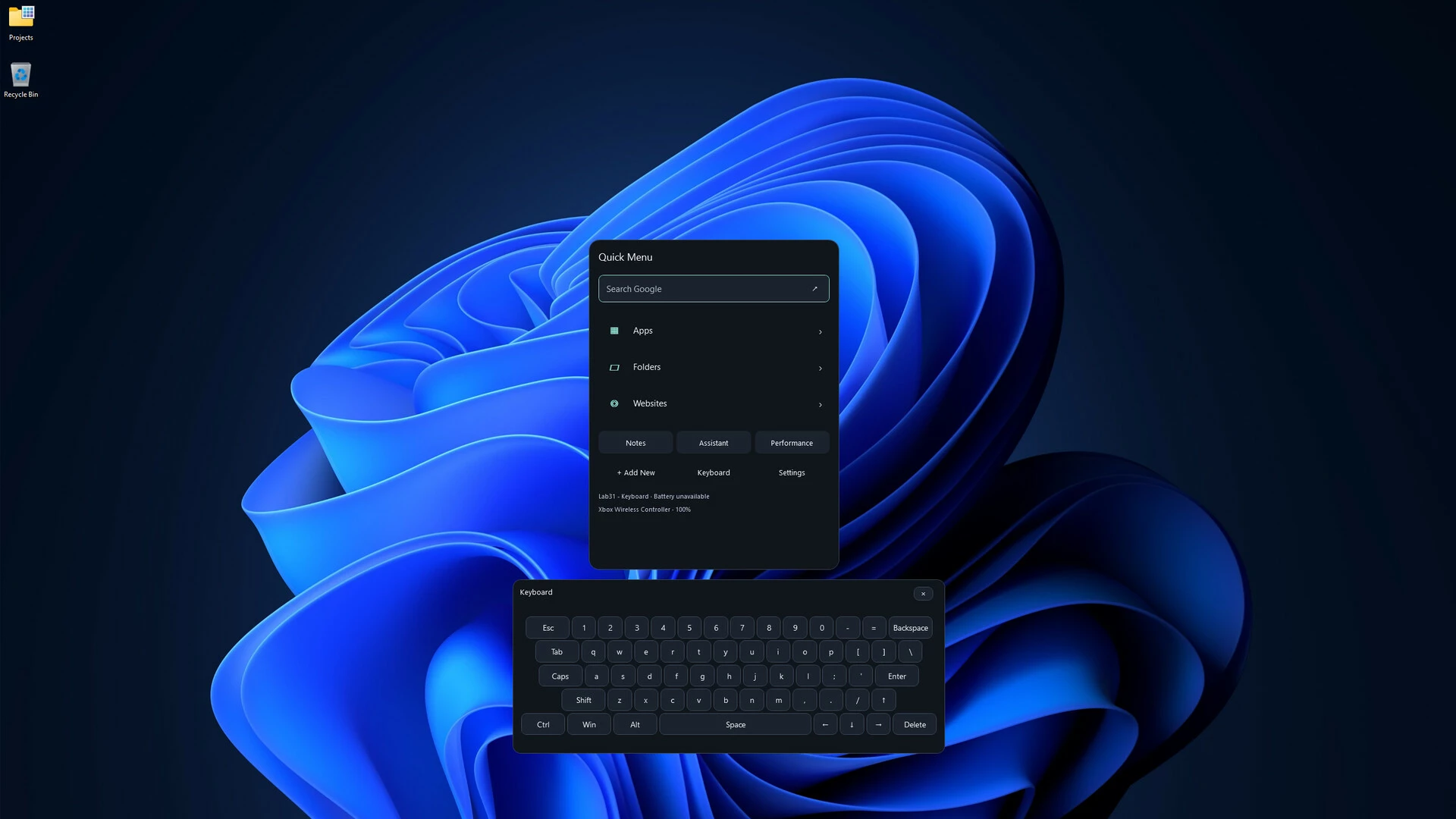
Cursor Pilot is a Windows desktop utility designed to make everyday navigation faster, more personal, and more convenient.
Customize your cursor, launch frequently used apps, websites and folders from a radial quick-access menu, create desktop notes, access Windows shortcuts, use an integrated on-screen keyboard, and keep useful tools close to your cursor instead of searching through menus.
Key Features
Cursor Customization
Choose from included cursor styles, animated cursors and different cursor sizes to personalize your Windows desktop.
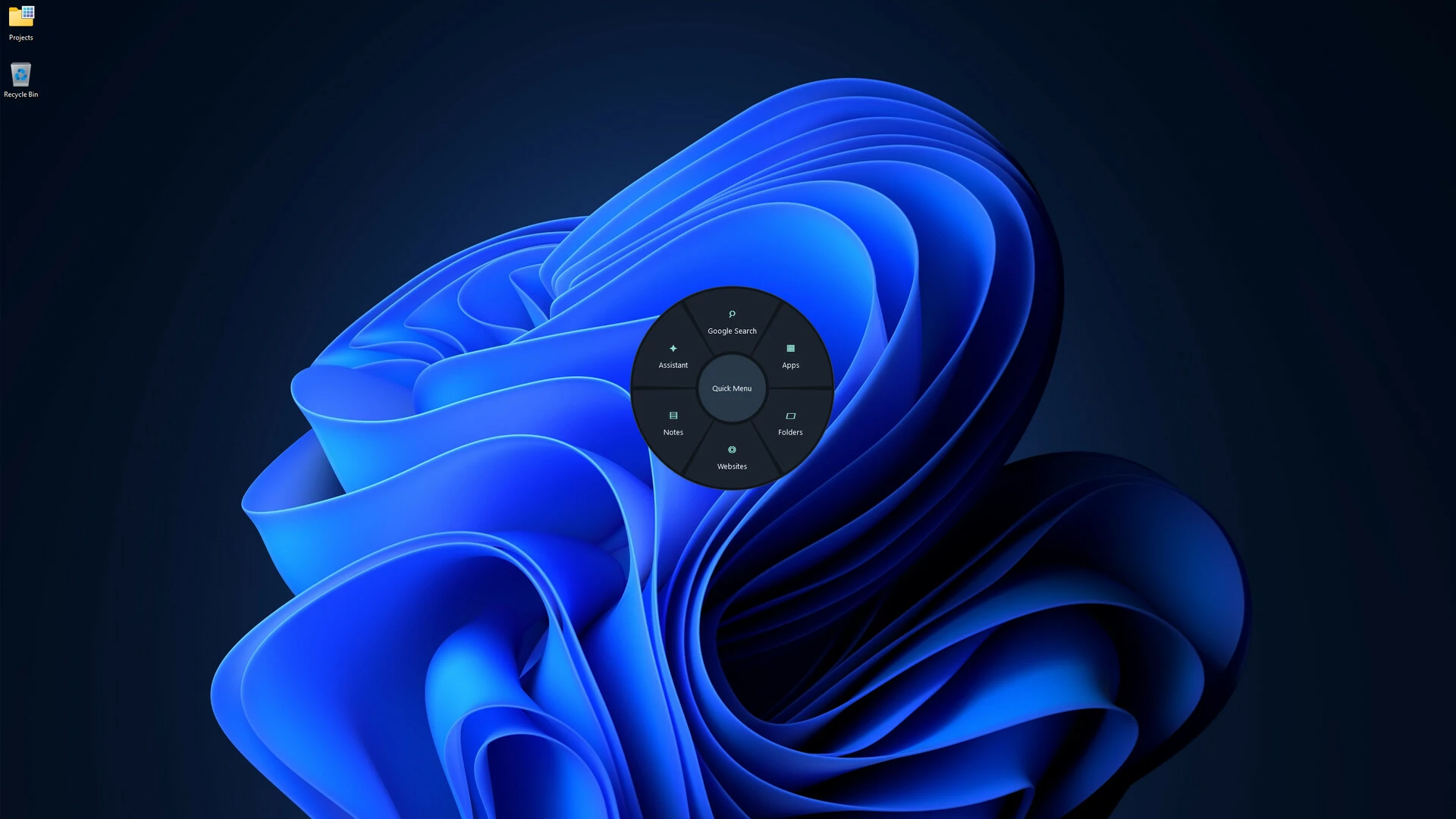
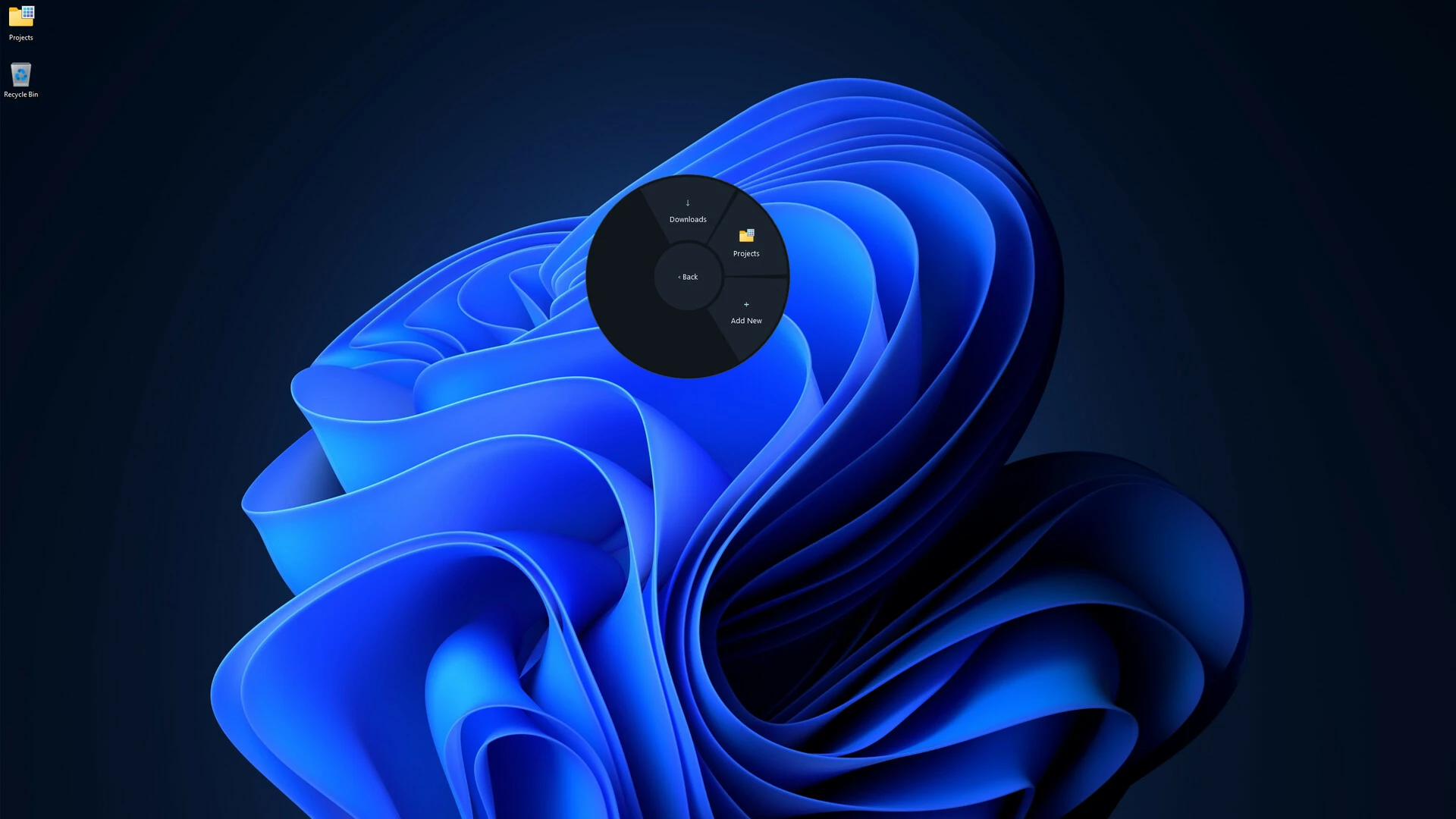
Radial Quick Menu
Open a customizable circular menu and quickly access your favorite applications, websites, folders and tools.
Drag-and-Drop Customization
Organize your quick menu and configure the tools you use most.
Desktop Notes
Create compact notes directly on your desktop and customize individual notes for easier organization.
Windows Shortcuts
Quickly access a categorized collection of useful Windows keyboard shortcuts.
On-Screen Keyboard
Use an integrated keyboard without leaving Cursor Pilot.
Device Information
View useful information for supported connected devices without filling your desktop with unnecessary widgets.
Desktop Assistant
Access helpful commands, shortcuts and optional personality features from the Cursor Pilot interface.
Cursor Pilot is designed to stay out of the way when you do not need it and be immediately available when you do.
- Если не установлен Steam клиент, скачайте его для Windows (клиент также доступен на Mac и Linux) и установите.
- Запустите Steam, зайдите в свой аккаунт или зарегистрируйте новый, если у вас его еще нет.
- При оформлении заказа, предоставьте ссылку на свой профиль в Steam или ваш SteamID состоящий из 18 цифр (765***).
- Ожидайте приглашения от нашего бота (если у вас аккаунт с ограниченными правами) или добавьте бота в друзья (ссылка на бота будет предоставлена после успешной оплаты).
- После того, как вы добавите нашего бота в друзья, игра автоматически (время ожидания обычно составляет не более 5-30 секунд) будет отправлена вам в виде подарка (гифта).
- Примите подарок, добавьте в Библиотеку и нажмите «Играть».











и мы вам напишем, если цена на этот товар снизится