
Купить ComfyTrans: Screen Translator

An offline screen-translation overlay that recognizes on-screen text in real time and shows the translation right where it appears. Everything runs on local, on-device AI, so your screen and personal data are never sent anywhere.

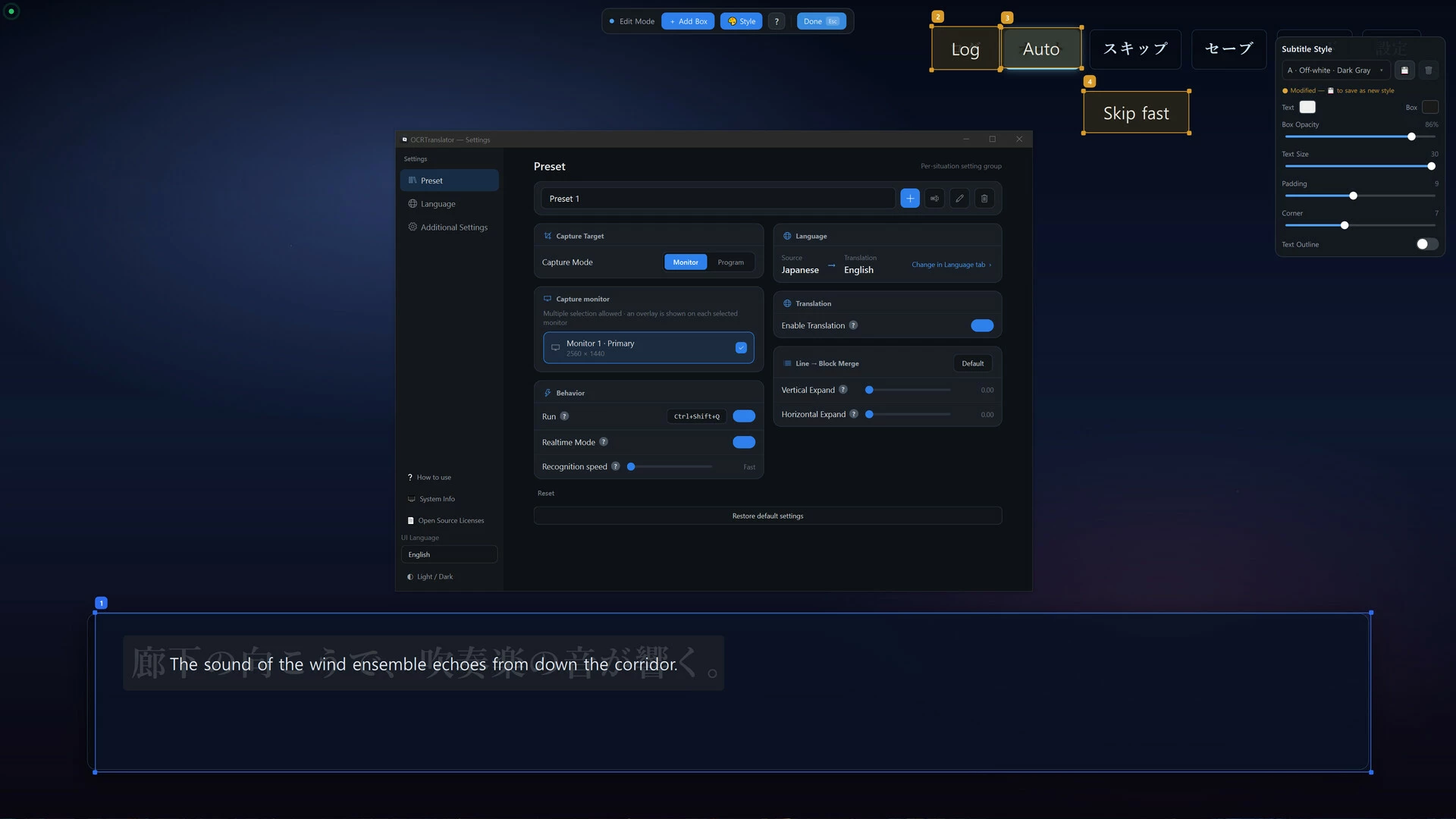
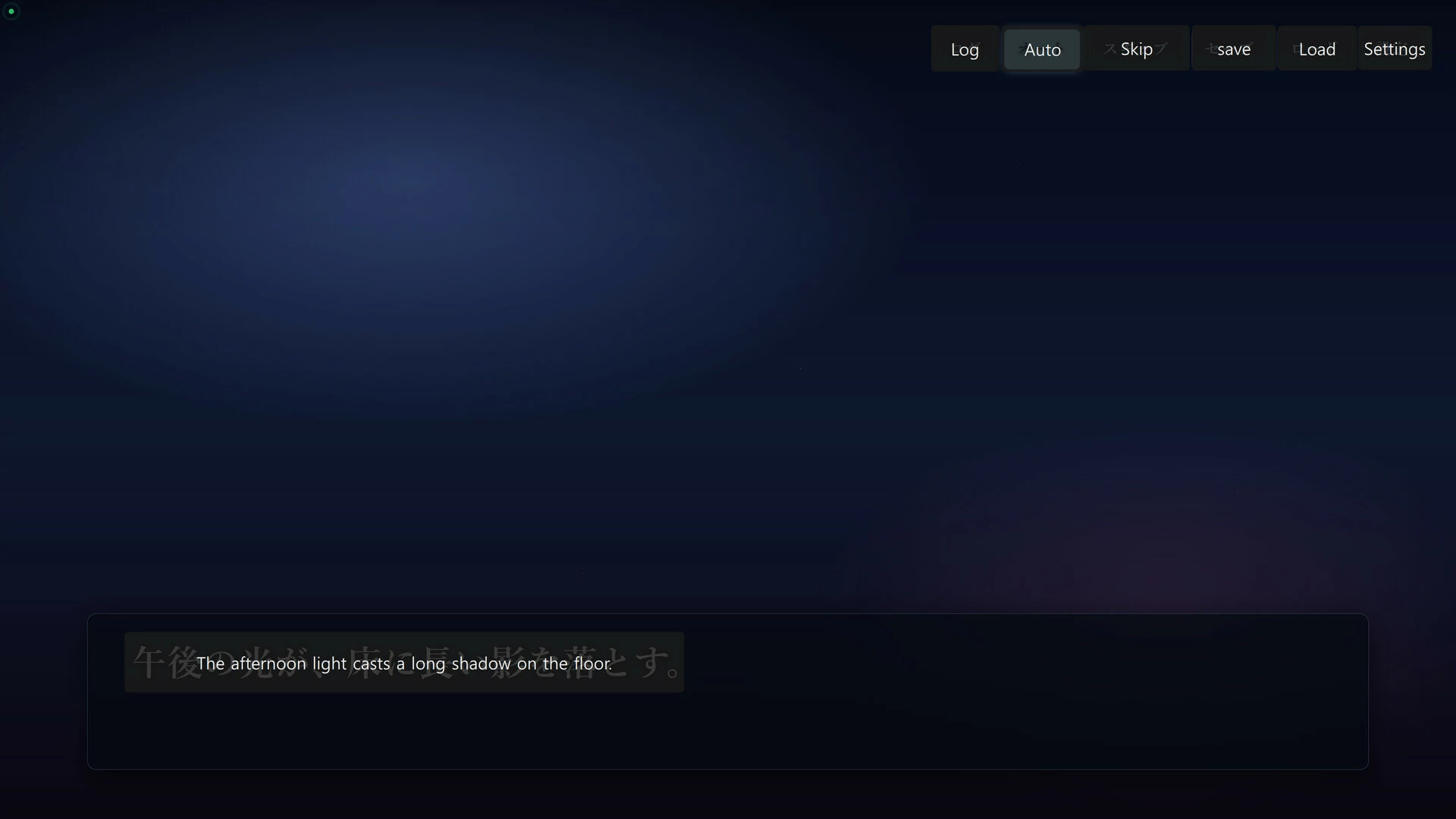
ComfyTrans: Realtime Screen Translator
Without an internet connection, ComfyTrans recognizes on-screen text in real time and overlays the translation right where it appears.
Games, visual novels, comics, untranslated foreign apps — it works best on screens without much text, such as speech bubbles, menus, and subtitles.
Recognition and translation in 40+ languages
Dynamic / Static boxes to translate only the parts you choose
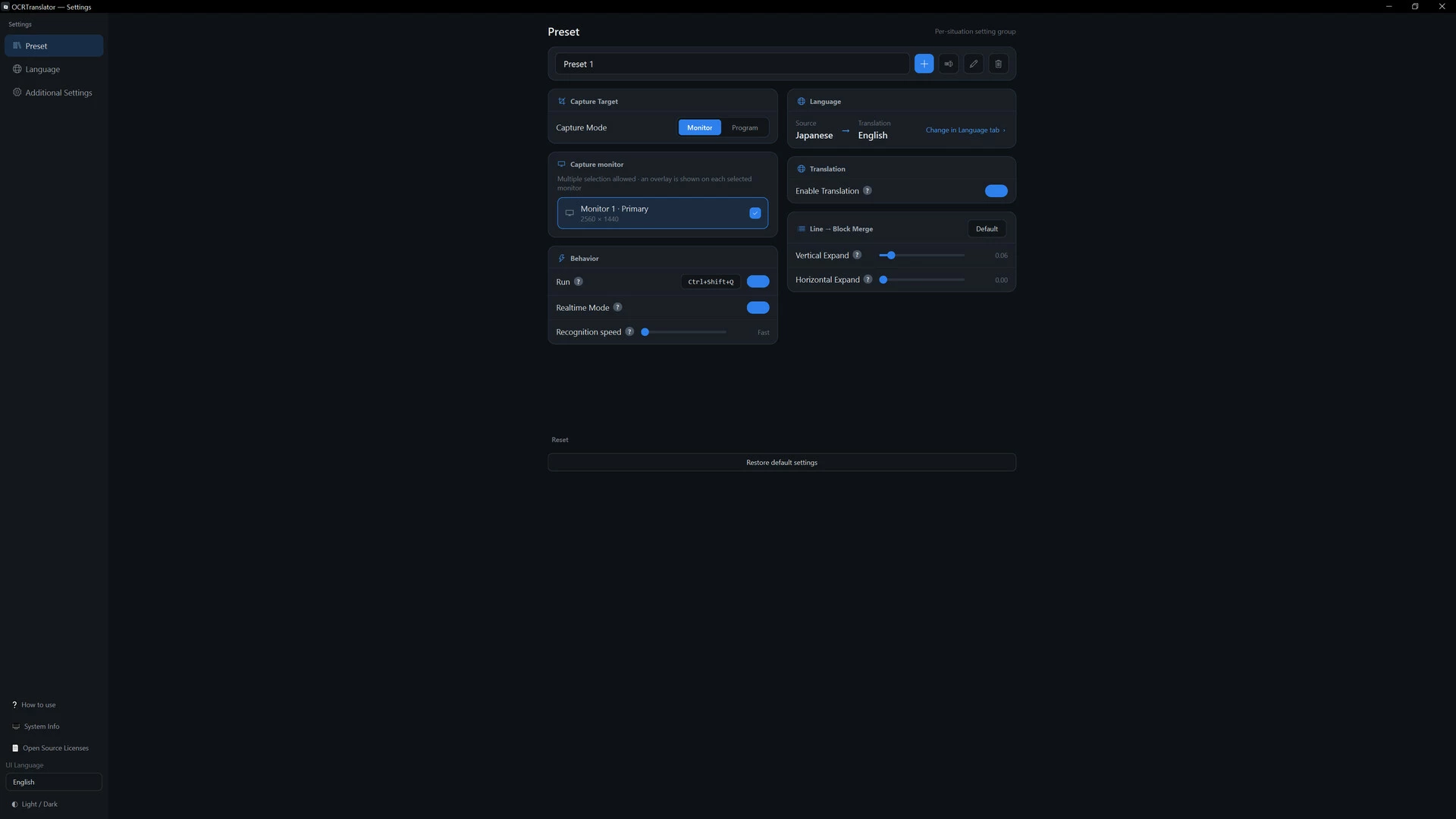
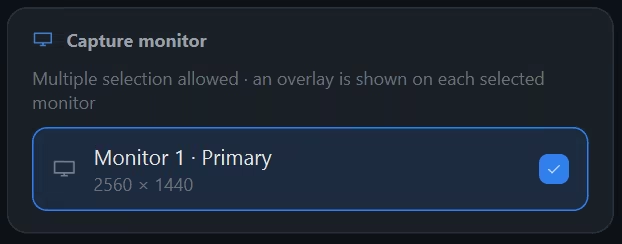
Capture a specific monitor or a specific program
Runs on local AI, fully offline (GPU-accelerated)
Performance note — The less text on screen at once, the faster and more accurate it is. On text-dense screens such as wiki articles or novel pages packed with text, there is far more to recognize, so it slows down significantly and is not suited for translating large amounts of long-form text.
How it works
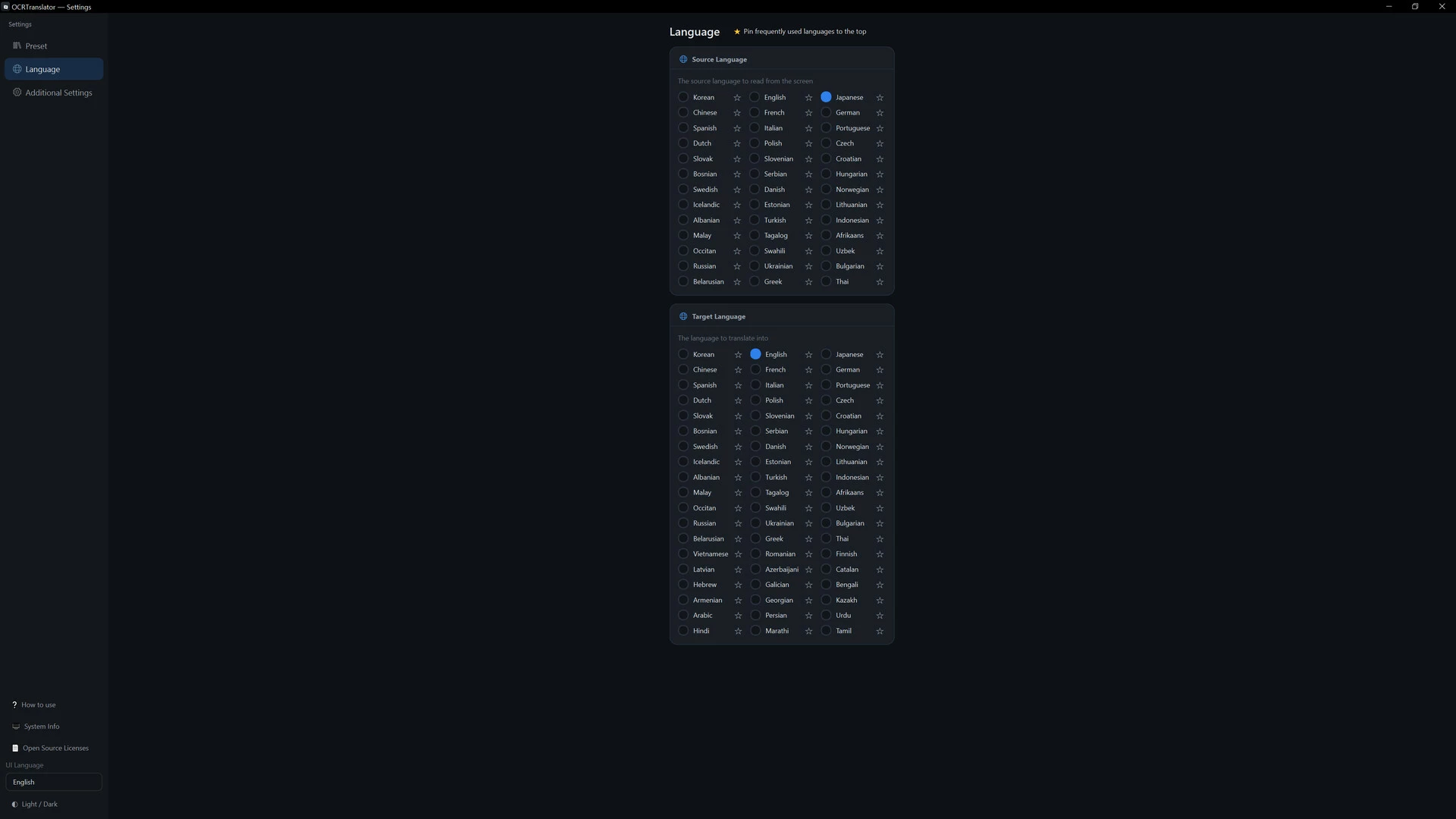
Create a preset — set source and target language
Choose the language you want to translate from, and the language you want to read it in.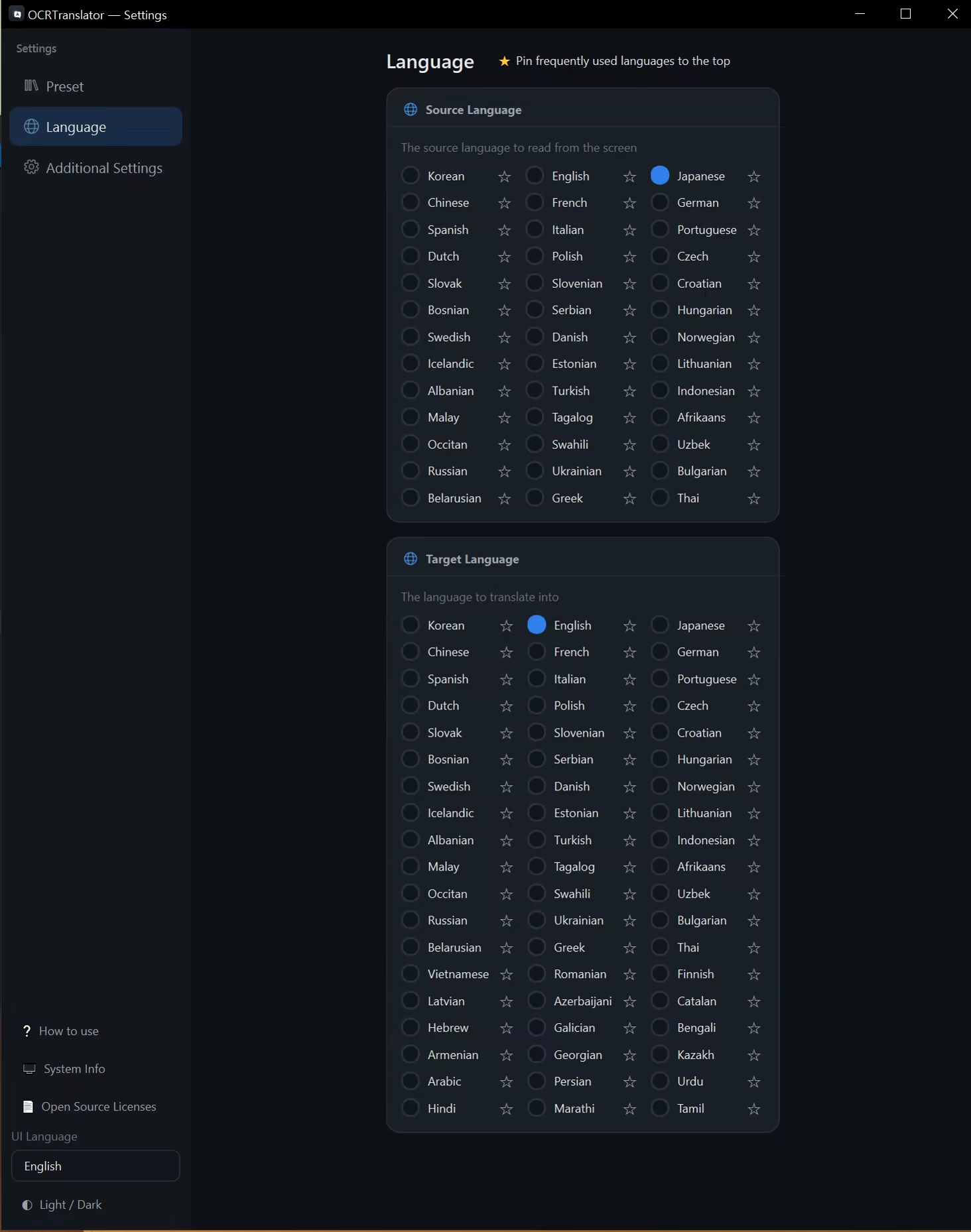
Select and load a translation model
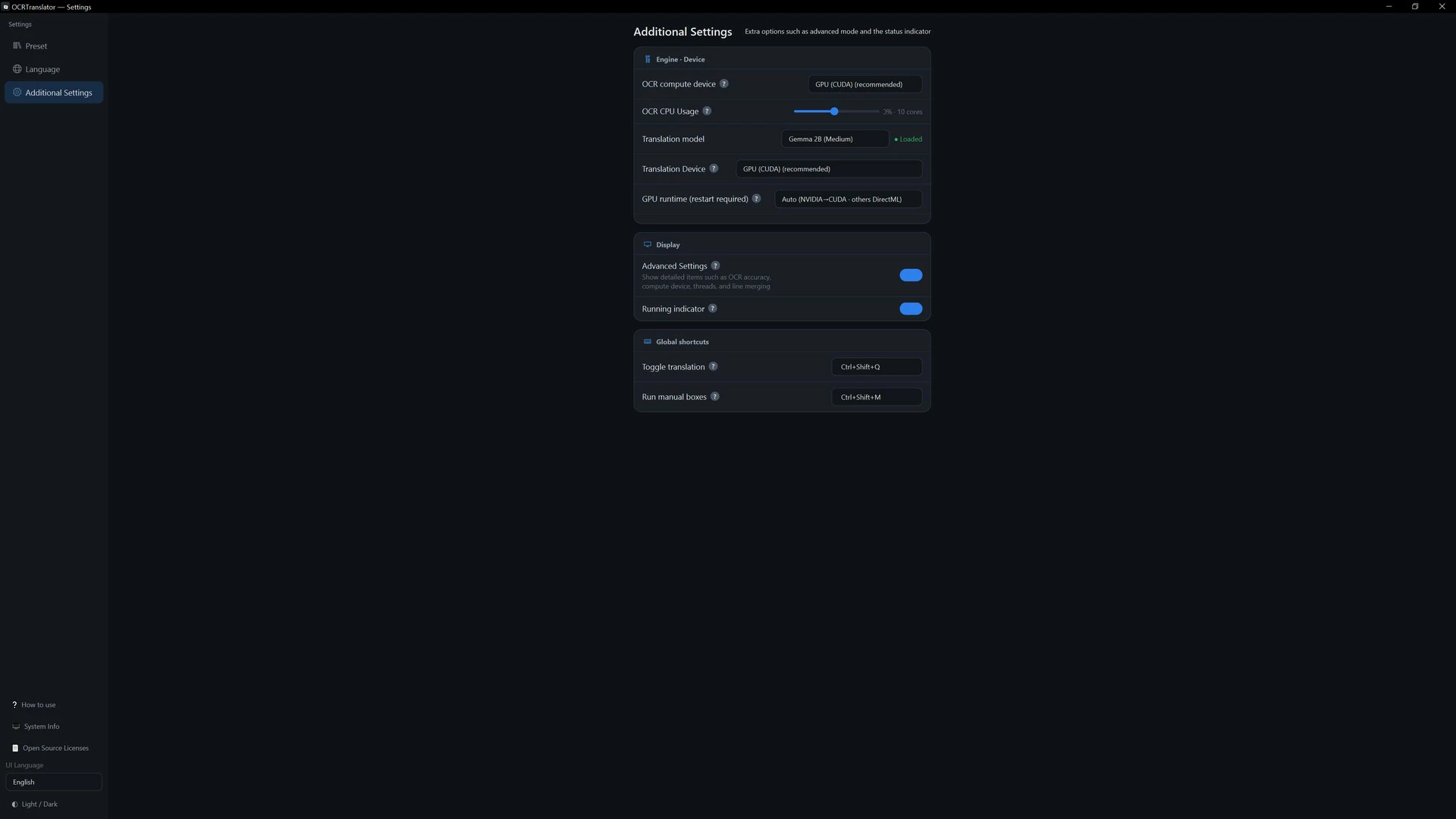
Pick a local translation model and load it.
Translation models use roughly 2 GB, 3.8 GB of memory depending on size.


Add translation boxes
Once loading finishes, place translation boxes over the screen from the preset settings.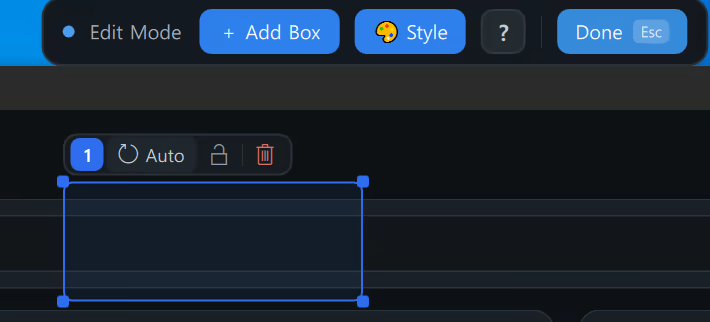
Dynamic box — real-time translation
Retranslates in real time whenever the text inside the box changes.
Ideal for constantly changing text like dialogue and subtitles(Real-time · not sped up).Static box — translate fixed text once
For text that never changes, like buttons and menus, use a static box to translate it just once and keep it in place. This reduces unnecessary computation.
Monitor · Program targeting
Translate only a specific monitor or a specific program.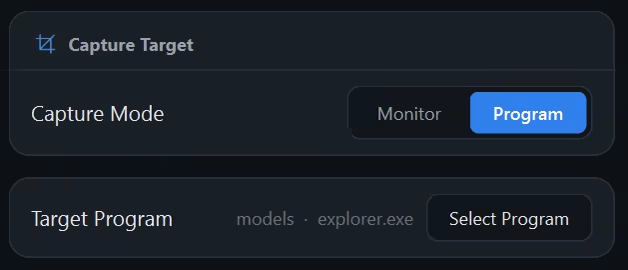
Recommended usage & notes
Translation: GPU is recommended.
OCR (text recognition): When there's little text, GPU or CPU works; CPU is faster.
Recognizing a large amount of text at once takes a bit longer and briefly uses more computing power.→ Use Dynamic boxes to target only what you need, and Static boxes for fixed text.
⚠ Online games: Due to the nature of the overlay method, some anti-cheat systems may block it from running.
- Если не установлен Steam клиент, скачайте его для Windows (клиент также доступен на Mac и Linux) и установите.
- Запустите Steam, зайдите в свой аккаунт или зарегистрируйте новый, если у вас его еще нет.
- При оформлении заказа, предоставьте ссылку на свой профиль в Steam или ваш SteamID состоящий из 18 цифр (765***).
- Ожидайте приглашения от нашего бота (если у вас аккаунт с ограниченными правами) или добавьте бота в друзья (ссылка на бота будет предоставлена после успешной оплаты).
- После того, как вы добавите нашего бота в друзья, игра автоматически (время ожидания обычно составляет не более 5-30 секунд) будет отправлена вам в виде подарка (гифта).
- Примите подарок, добавьте в Библиотеку и нажмите «Играть».














и мы вам напишем, если цена на этот товар снизится