
Купить SwissBaha Game Assistant

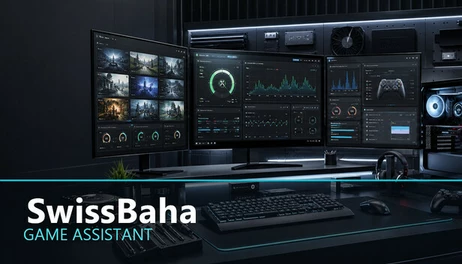
SwissBaha Game Assistant helps you prepare games from one place with system monitoring, safe process profiles, settings backups, cache management, diagnostic reports, and automatic launching of your preferred helper applications.

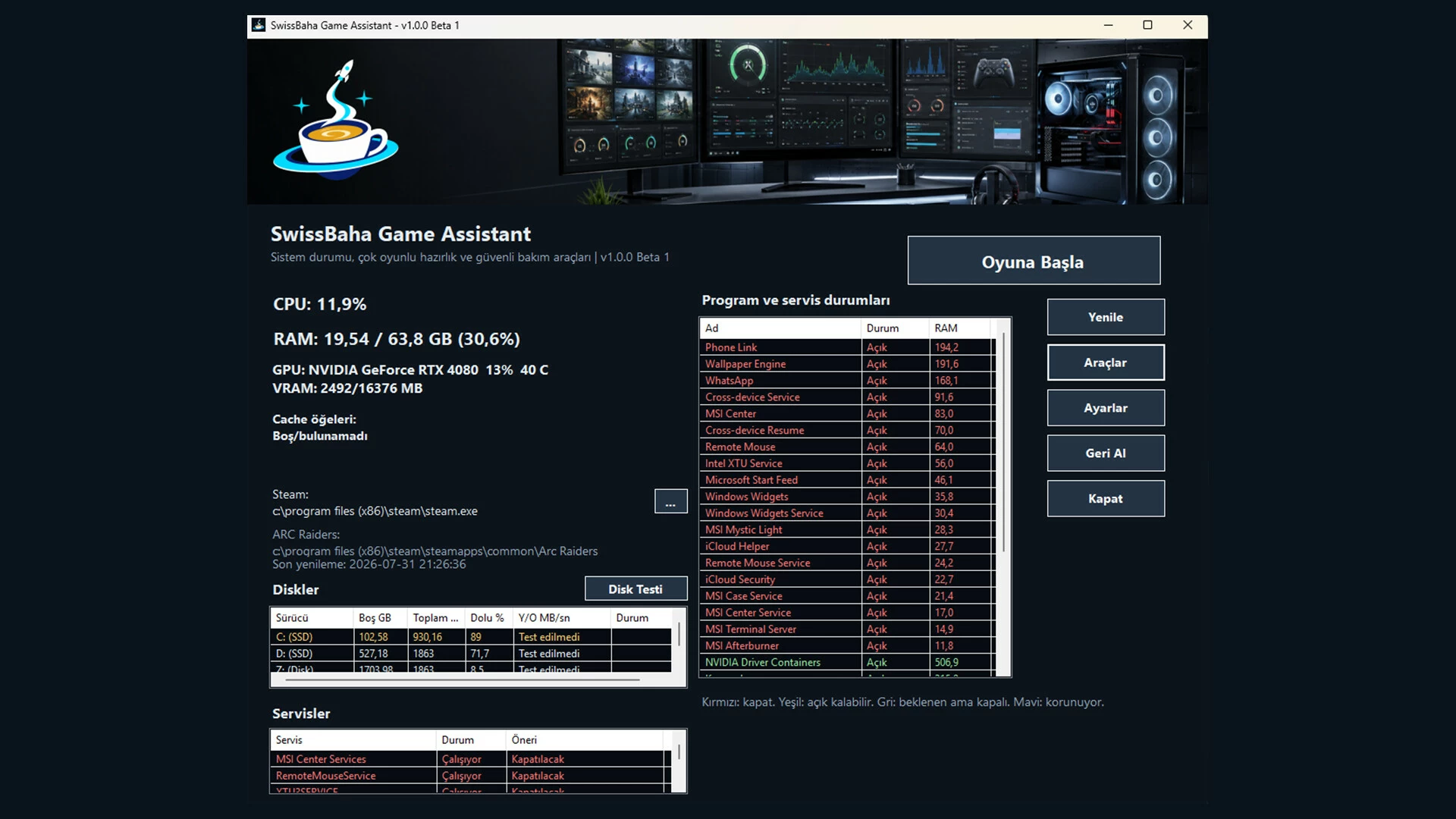
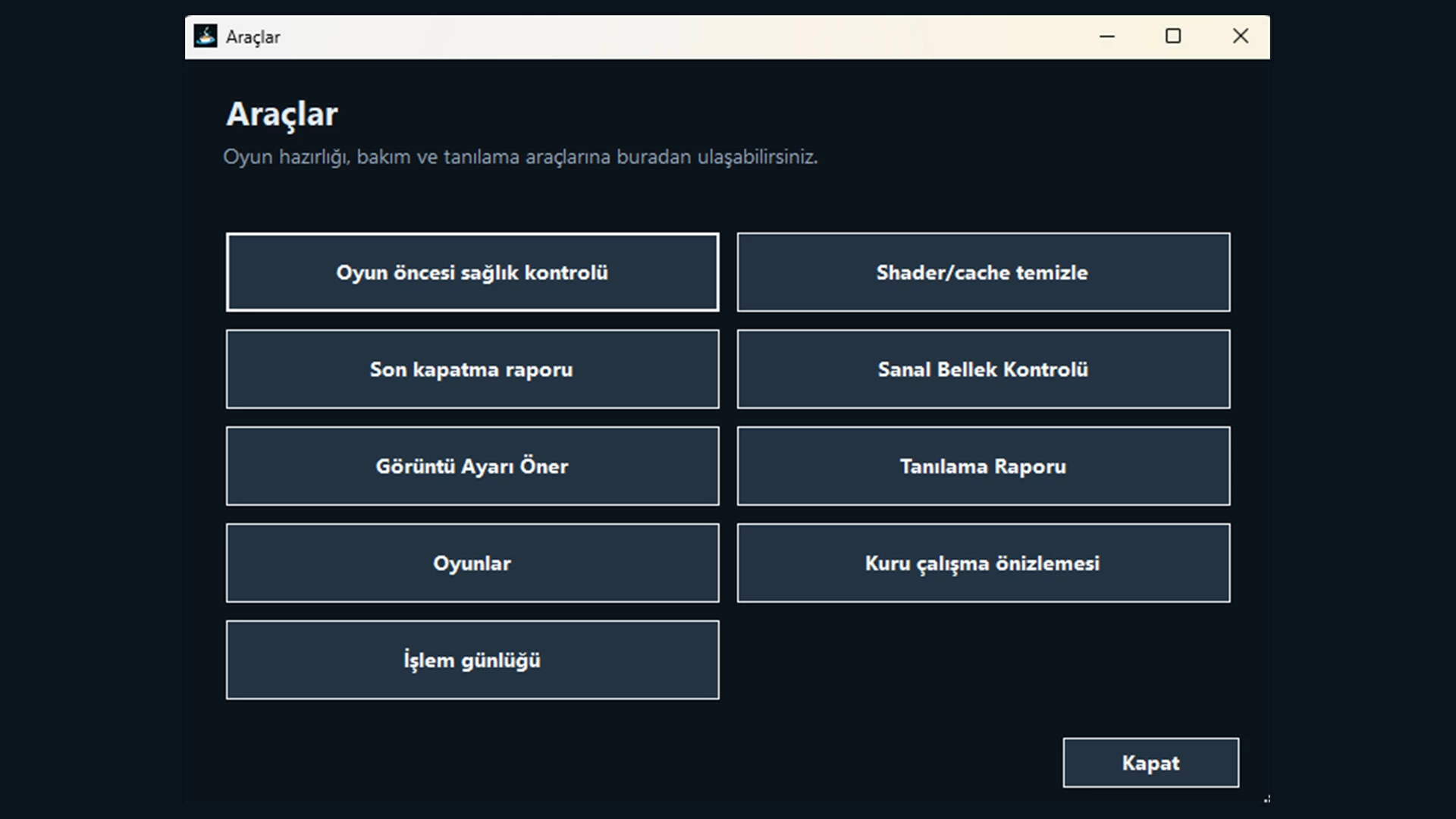
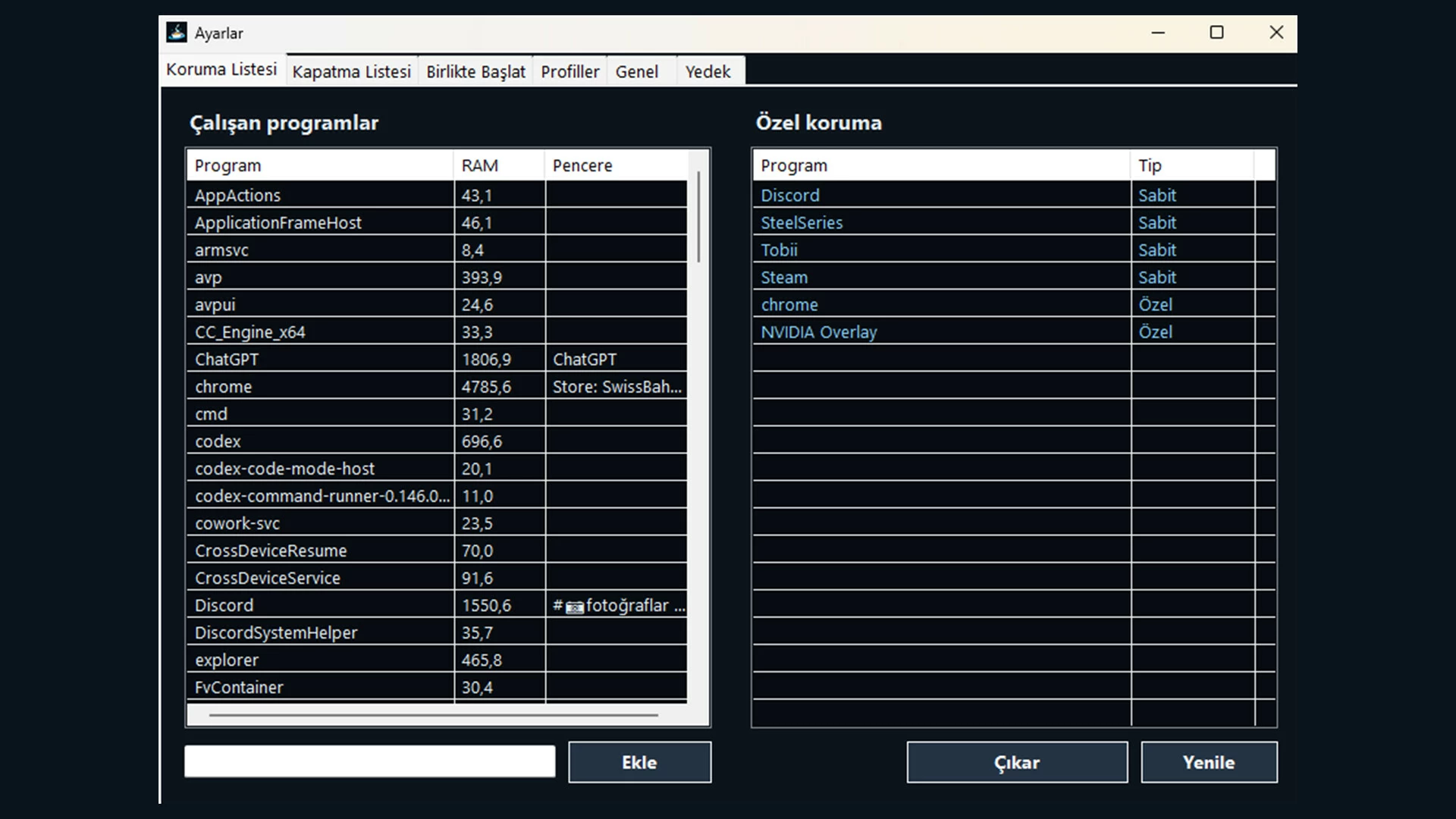
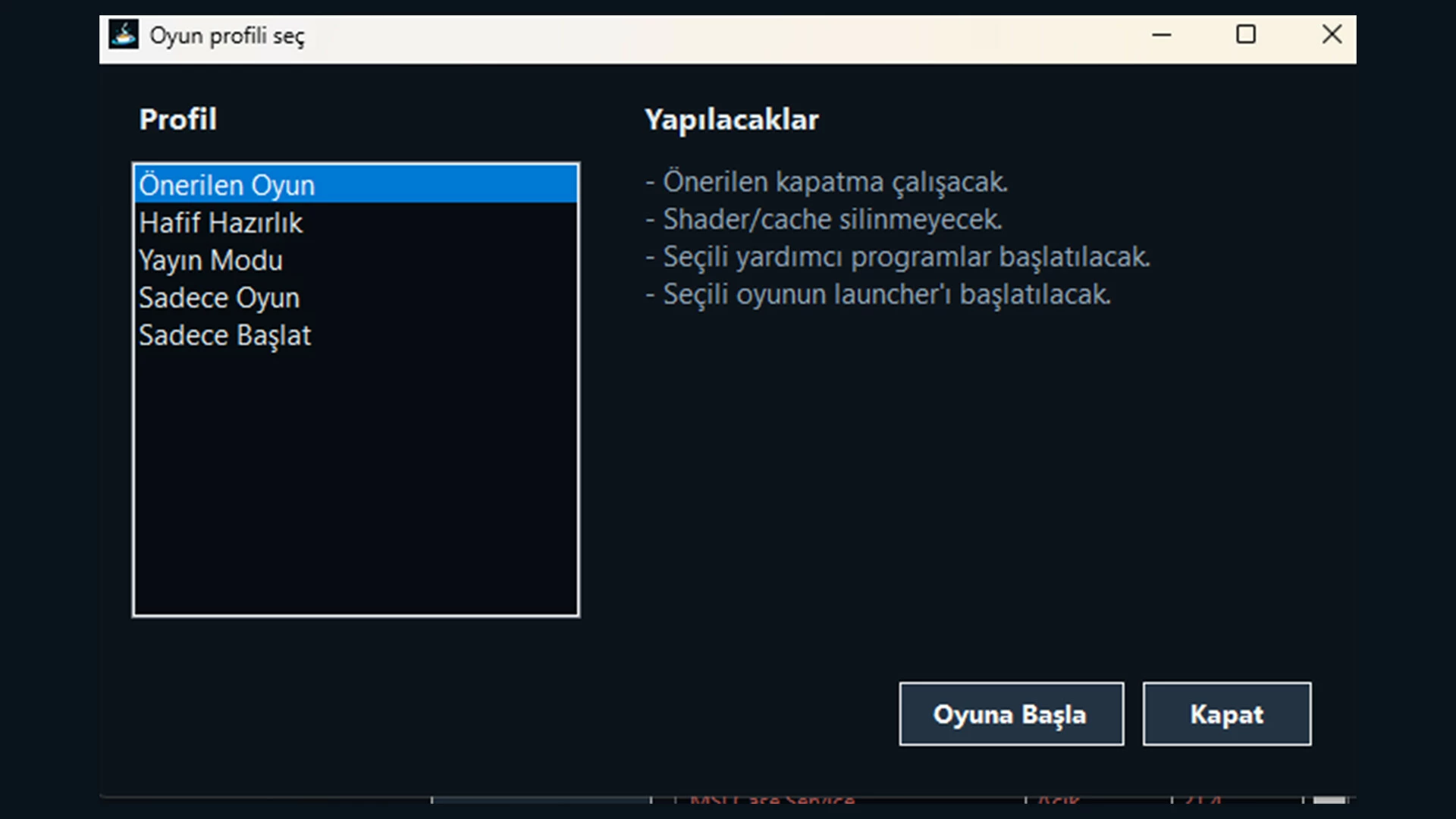
SwissBaha Game Assistant brings repeated Windows pre-game tasks together in one desktop utility. Detect Steam libraries or add custom games, then configure close profiles, helper applications, settings backups, and validated cache locations for each game.
• Preview targets before changing any process or service.
• Protect critical Windows processes and services.
• Back up and restore game settings.
• Use streaming, light preparation, aggressive preparation, or launch-only profiles.
• Create diagnostic reports with user names and local paths masked.
• Use the interface in Turkish, English, or German.
Game-specific integrations are provided only for compatibility. SwissBaha Game Assistant does not modify game executables or anti-cheat systems and is not officially endorsed by the publishers of supported games.
From first launch to everyday use
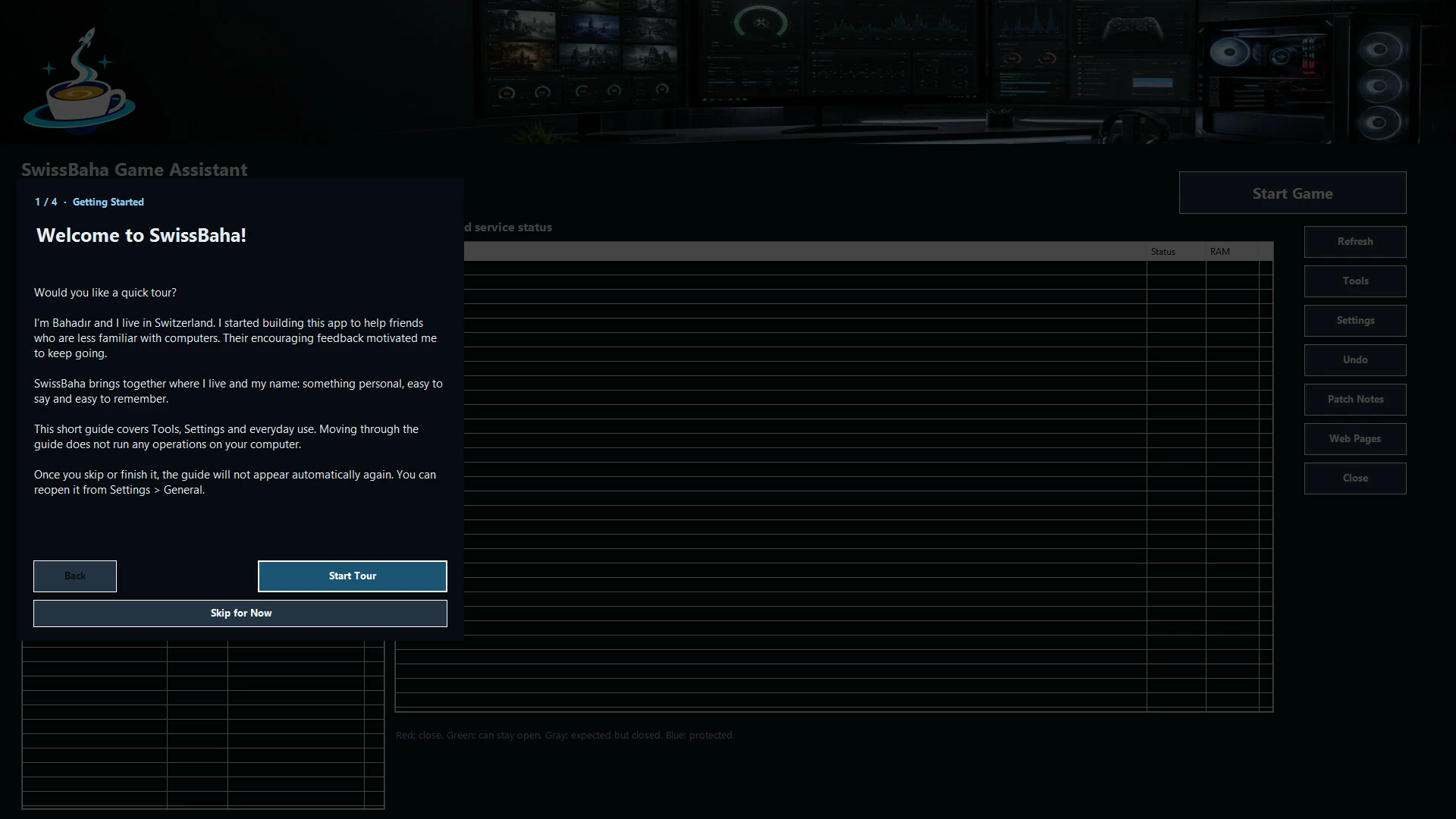
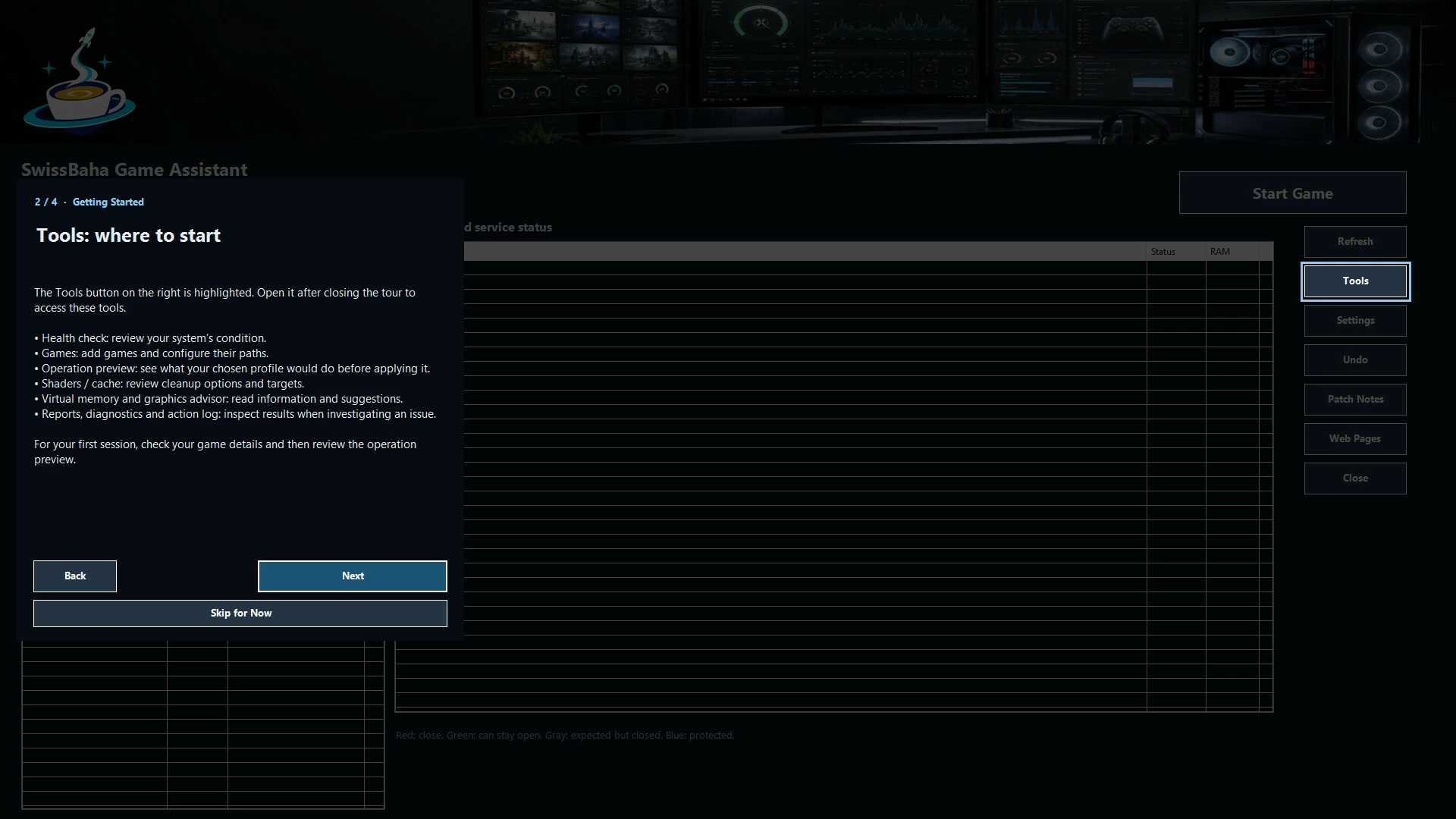
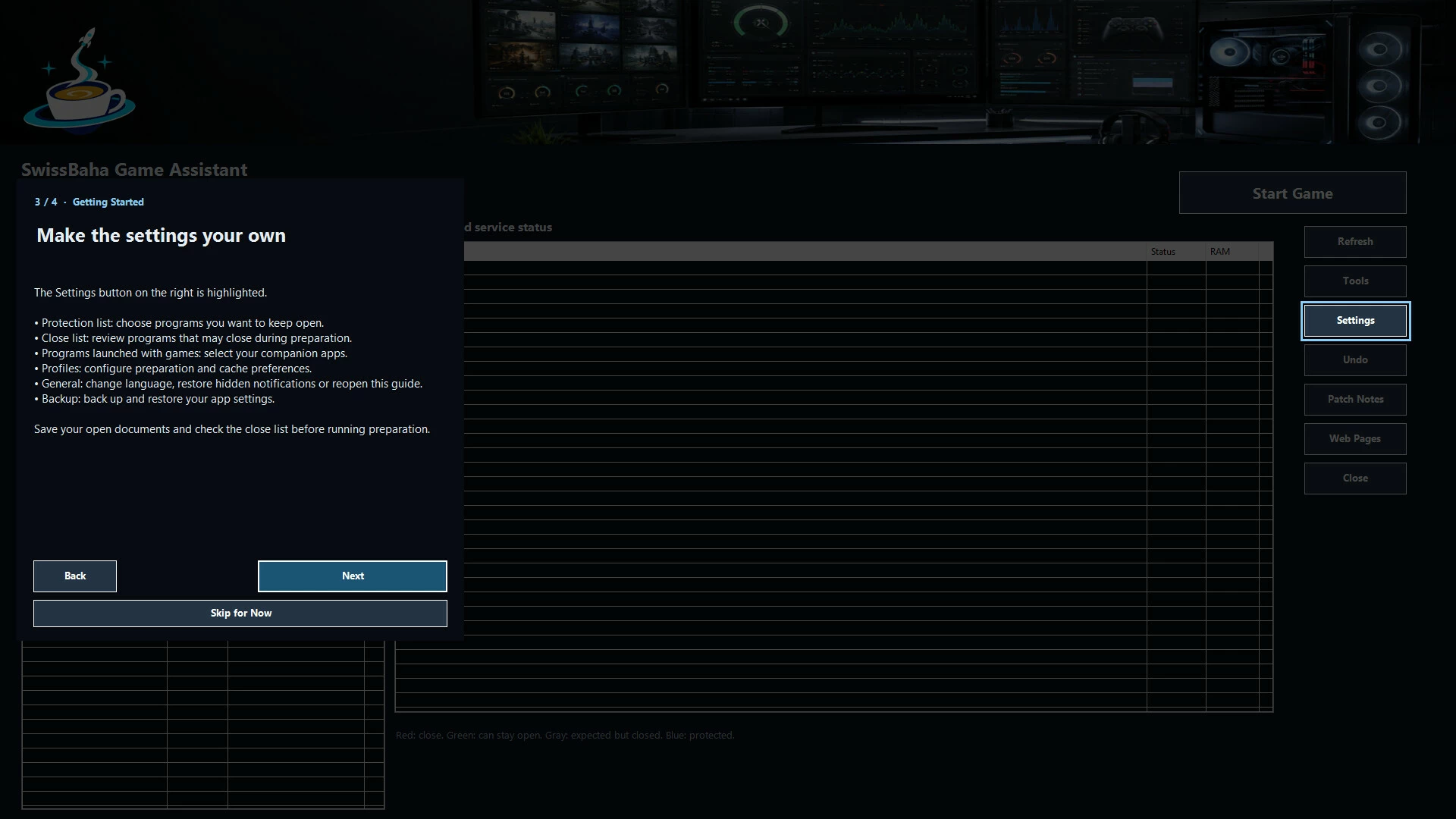
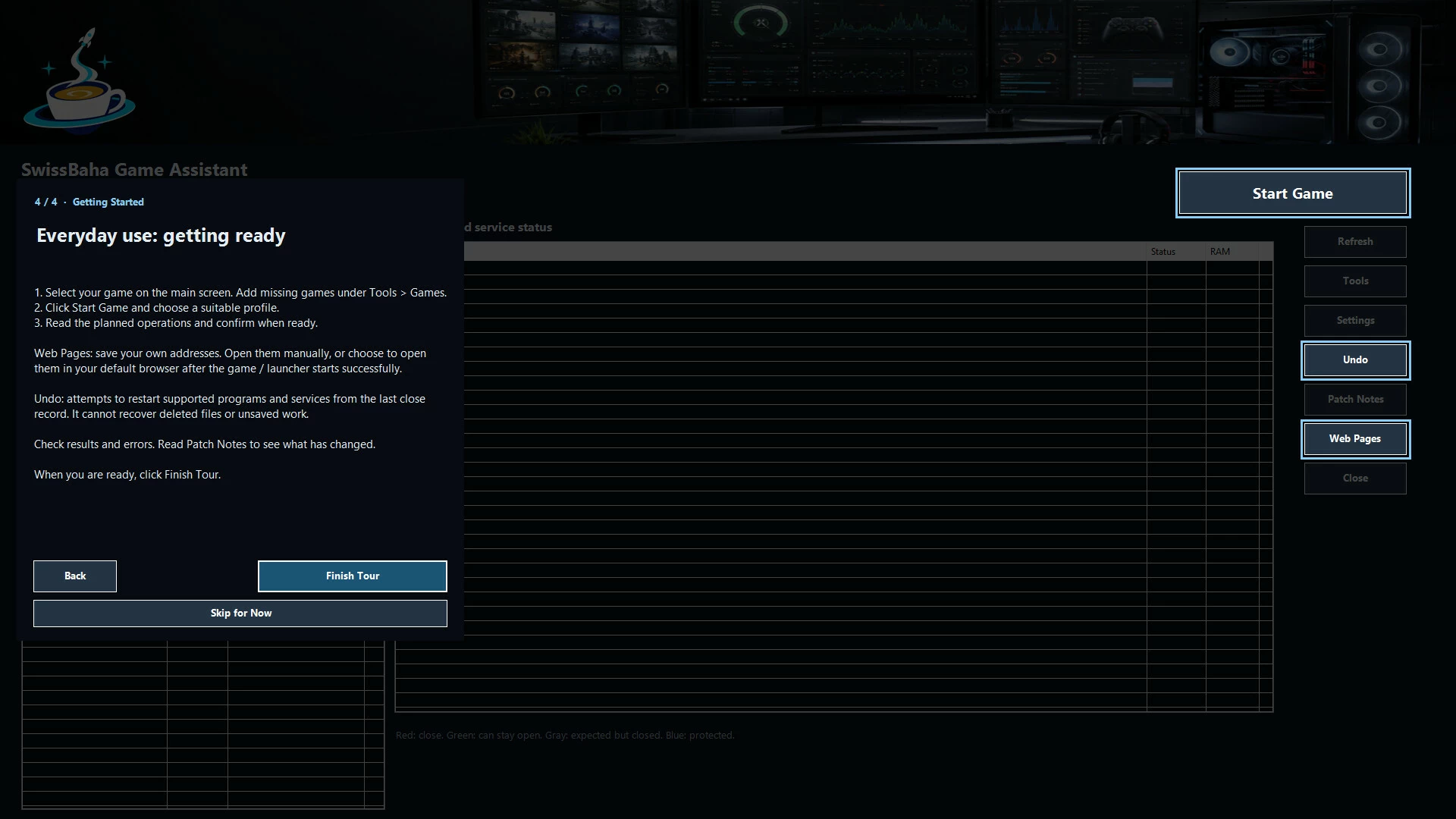
An optional four-step introduction covers the welcome, Tools, Settings, and everyday use. Skip the tour or reopen it from Settings > General.
Save up to 20 addresses in Web Pages. Open them manually in your default browser, or automatically after Start Game successfully opens your game or launcher. You can turn automatic opening off at any time.
Hide informational and successful-operation notifications by type, and restore them from Settings > General. Errors and confirmations before actions remain visible.
- Если не установлен Steam клиент, скачайте его для Windows (клиент также доступен на Mac и Linux) и установите.
- Запустите Steam, зайдите в свой аккаунт или зарегистрируйте новый, если у вас его еще нет.
- При оформлении заказа, предоставьте ссылку на свой профиль в Steam или ваш SteamID состоящий из 18 цифр (765***).
- Ожидайте приглашения от нашего бота (если у вас аккаунт с ограниченными правами) или добавьте бота в друзья (ссылка на бота будет предоставлена после успешной оплаты).
- После того, как вы добавите нашего бота в друзья, игра автоматически (время ожидания обычно составляет не более 5-30 секунд) будет отправлена вам в виде подарка (гифта).
- Примите подарок, добавьте в Библиотеку и нажмите «Играть».















и мы вам напишем, если цена на этот товар снизится