
Купить Keycast
Акция! До окончания 74518

Оценки игроков: Нет отзывов
Регион:
Россия, Украина
Язык:
Английский (Интерфейс)
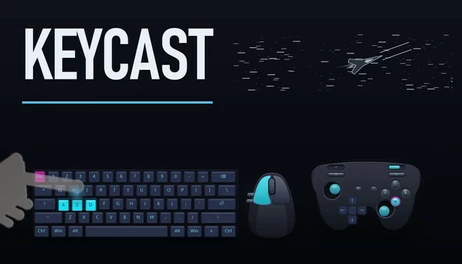
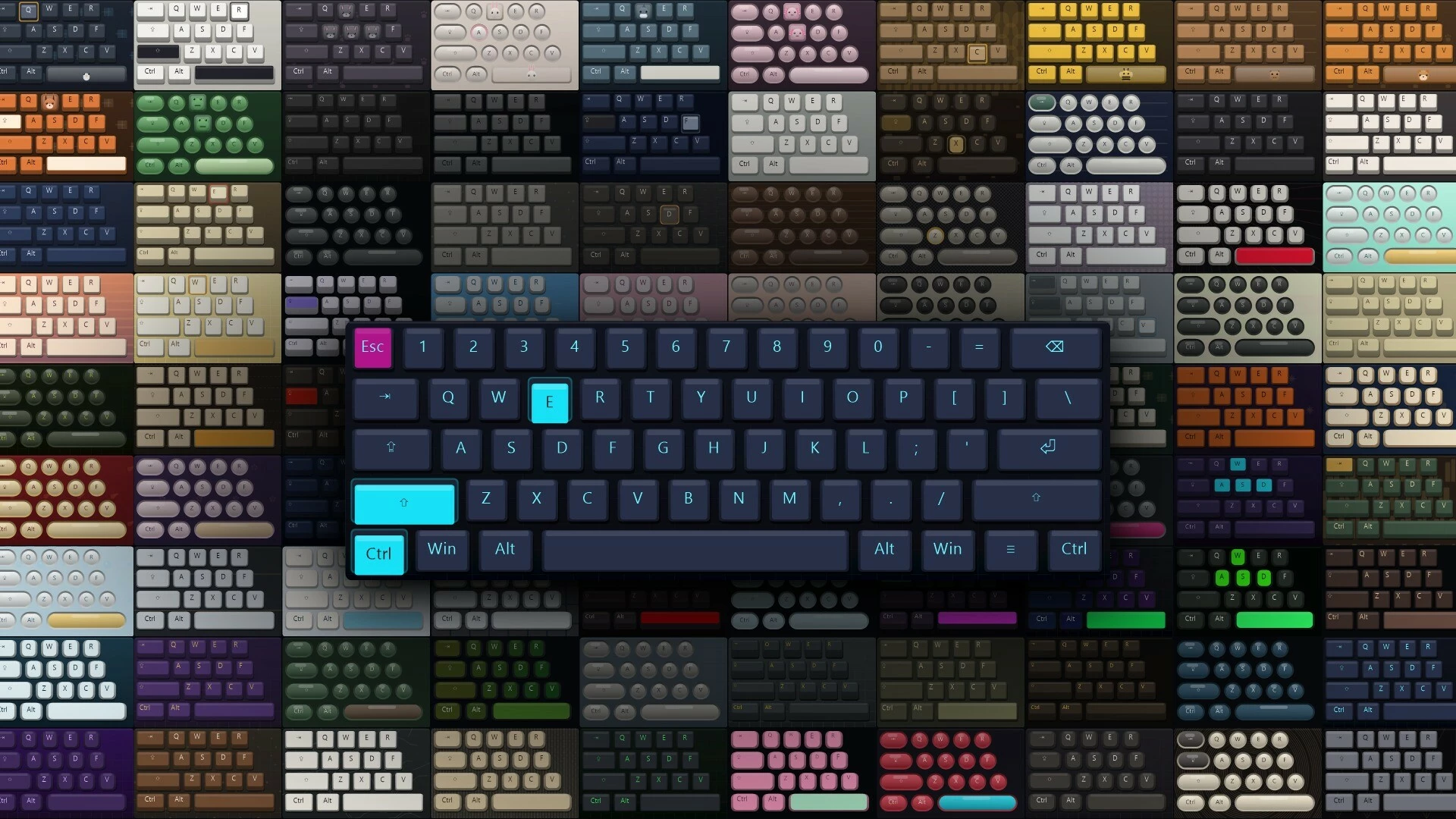
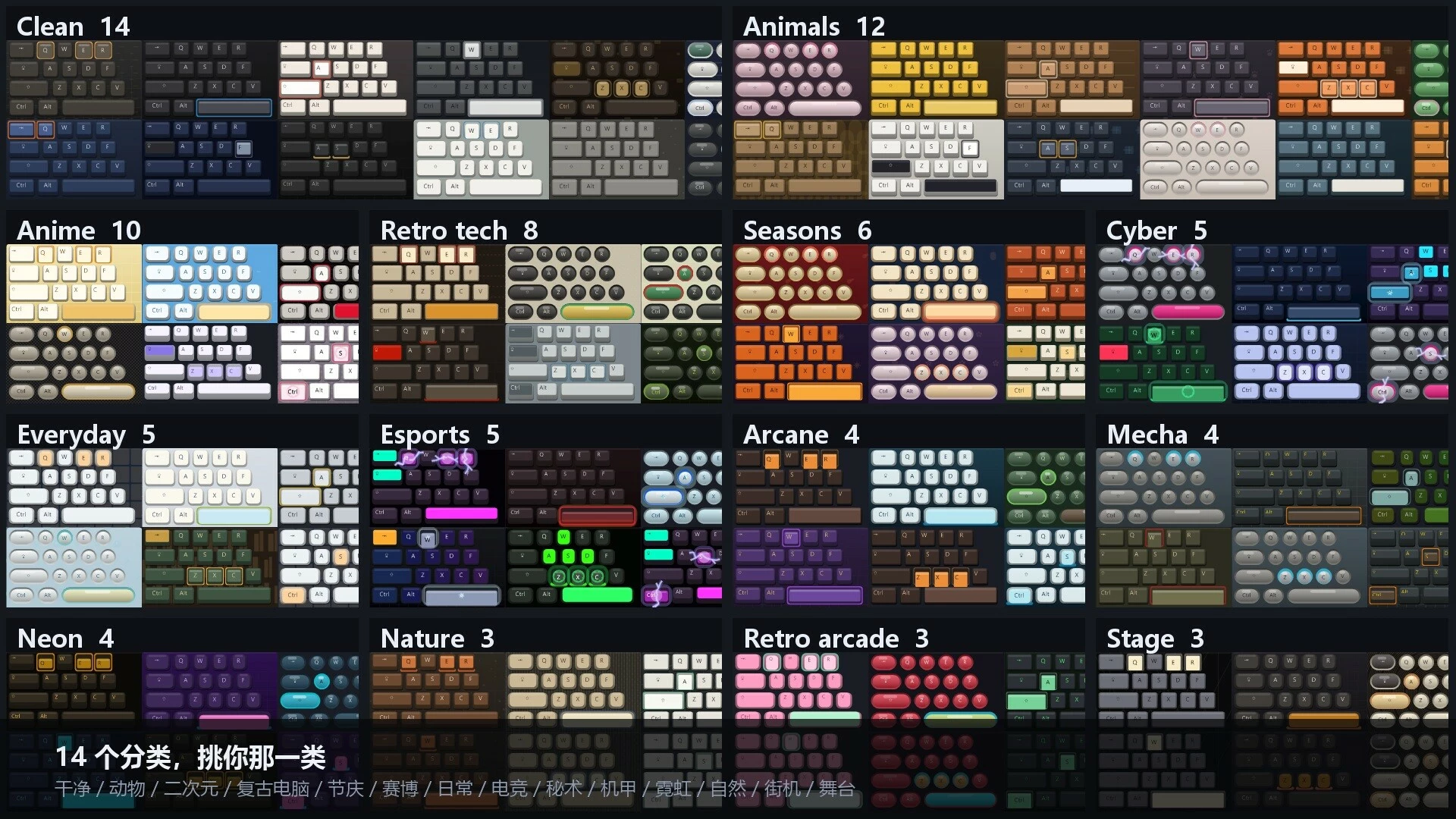
Show keyboard, mouse and XInput controller input on your Windows desktop. Choose from 86 skins, eight preset layouts and four key effects. Combine layouts, add animal keycaps, and show or hide the overlay with a shortcut.

Описание
Make your inputs visible
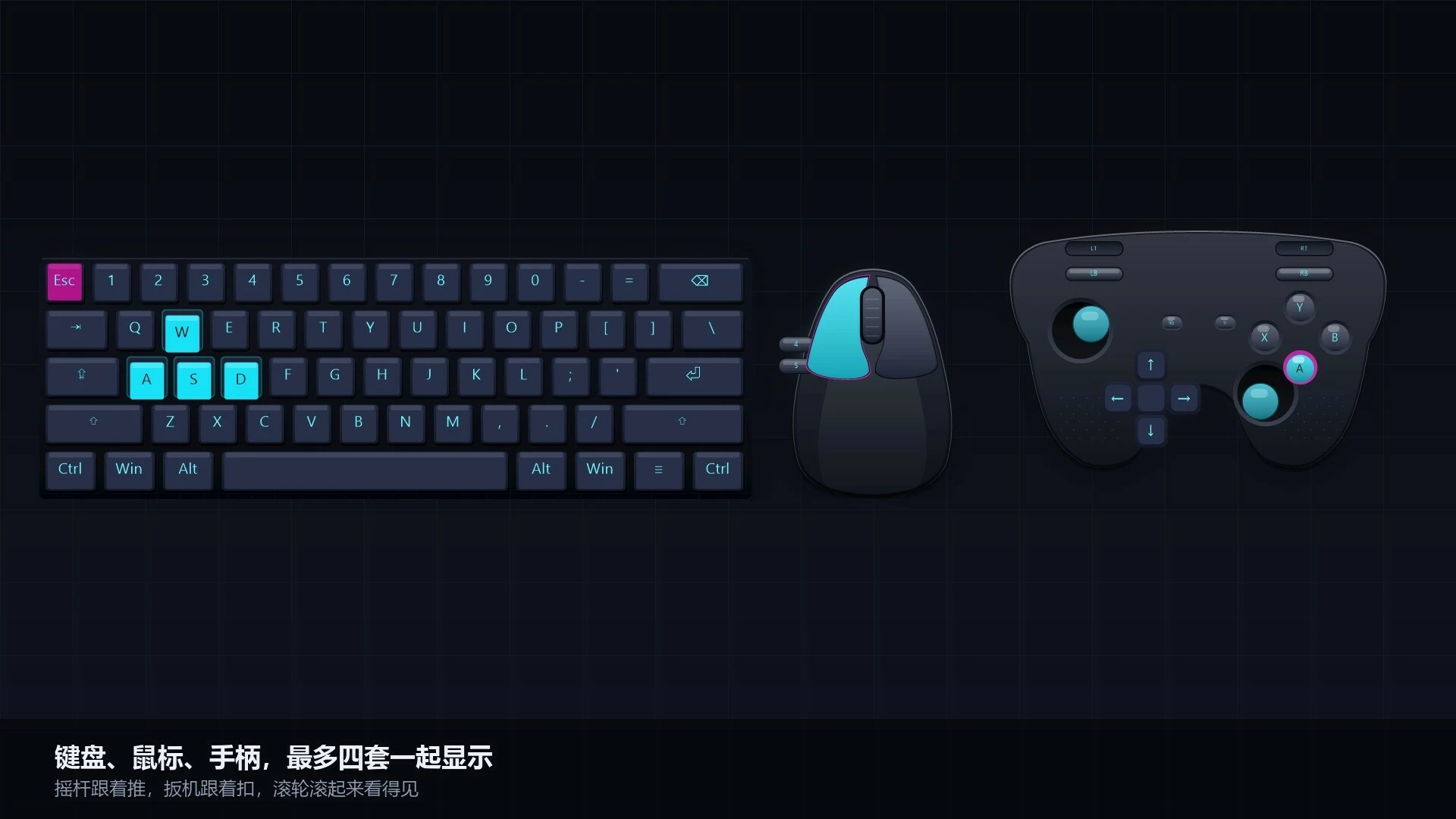
KEYCAST displays keyboard, mouse and XInput controller activity in a desktop overlay. Use it to demonstrate shortcuts, explain controls or show an input sequence. Supported keys and buttons light up as you use them; controller layouts also show stick and trigger movement.Choose and combine layouts
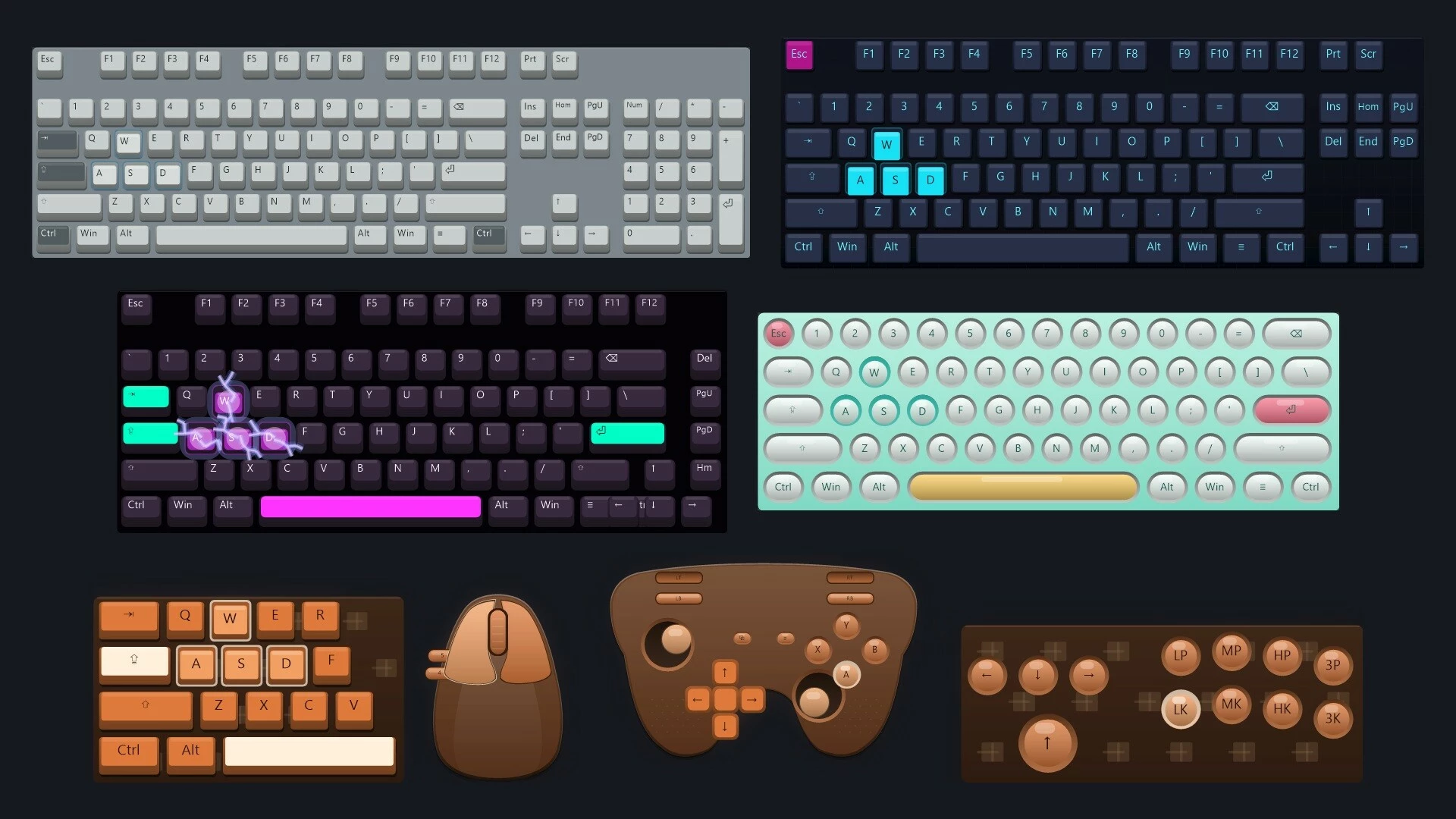
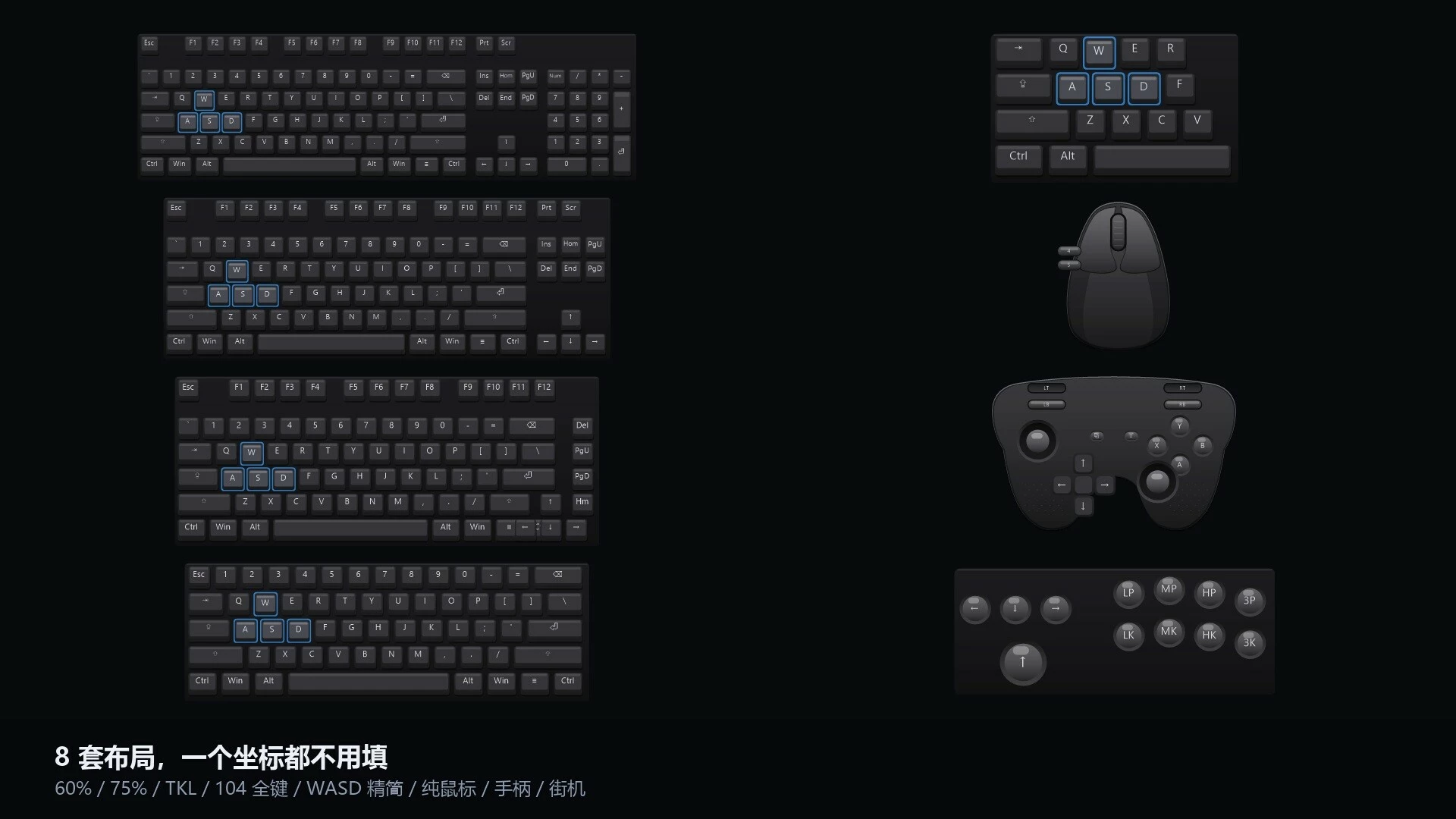
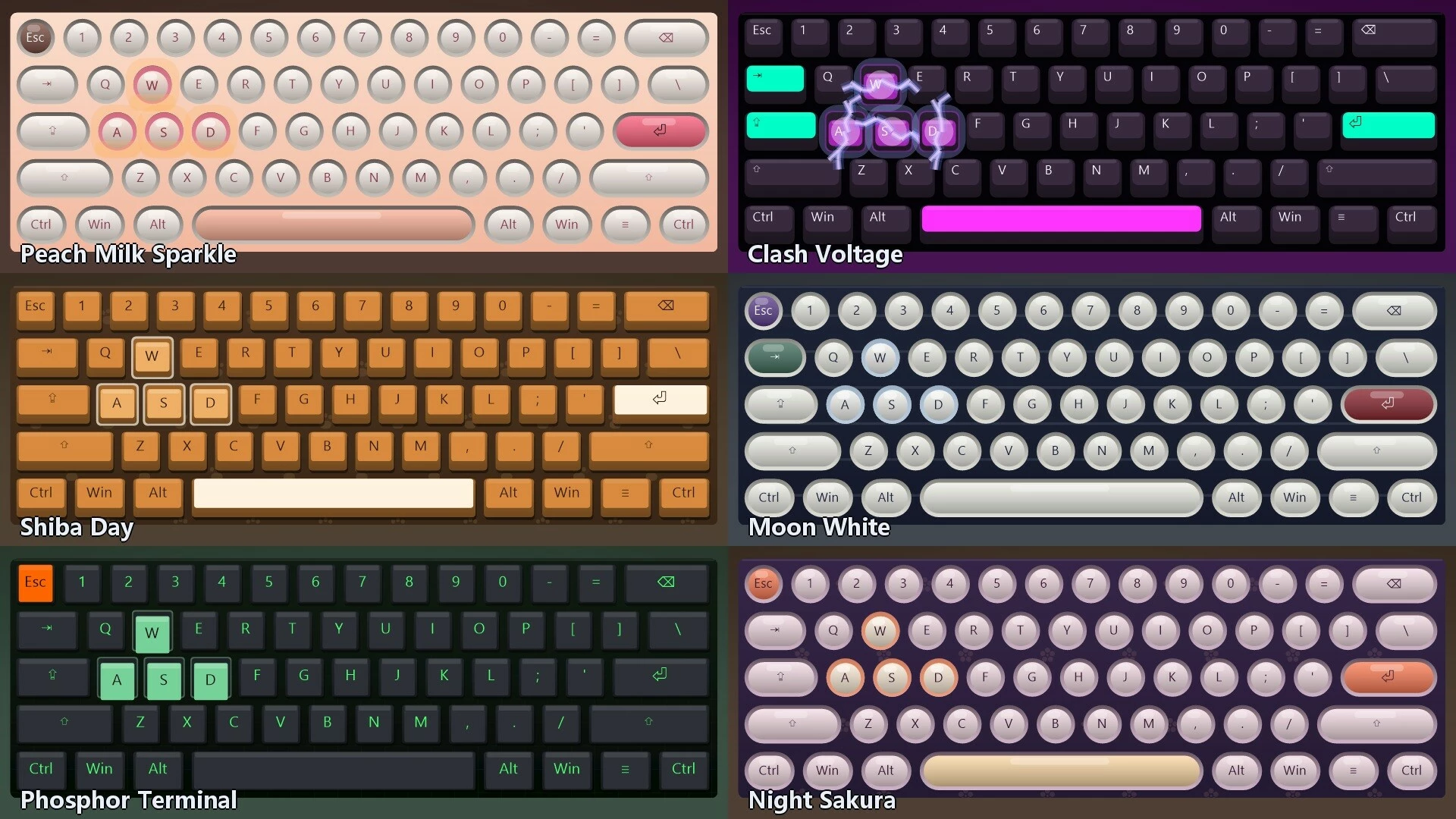
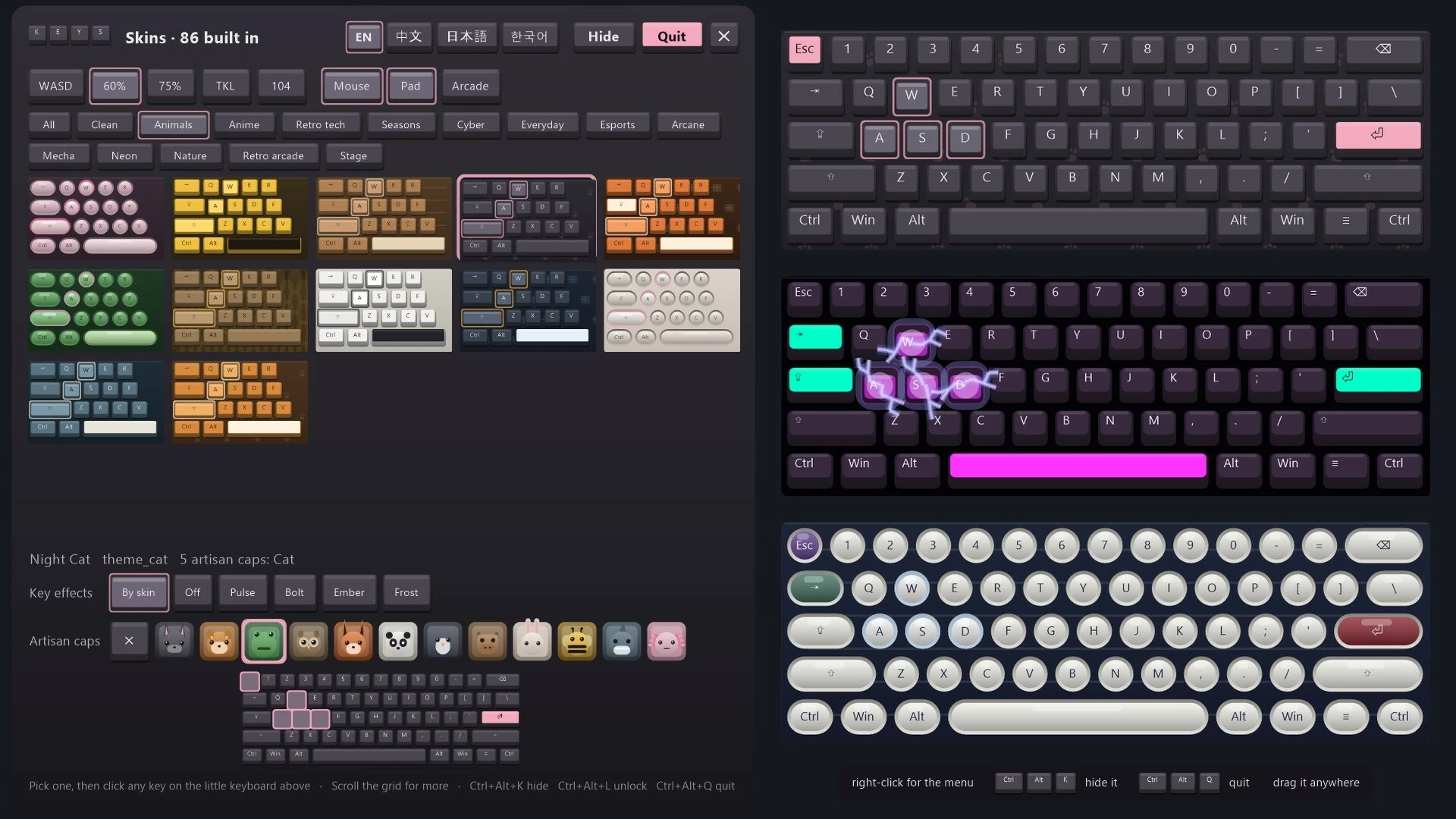
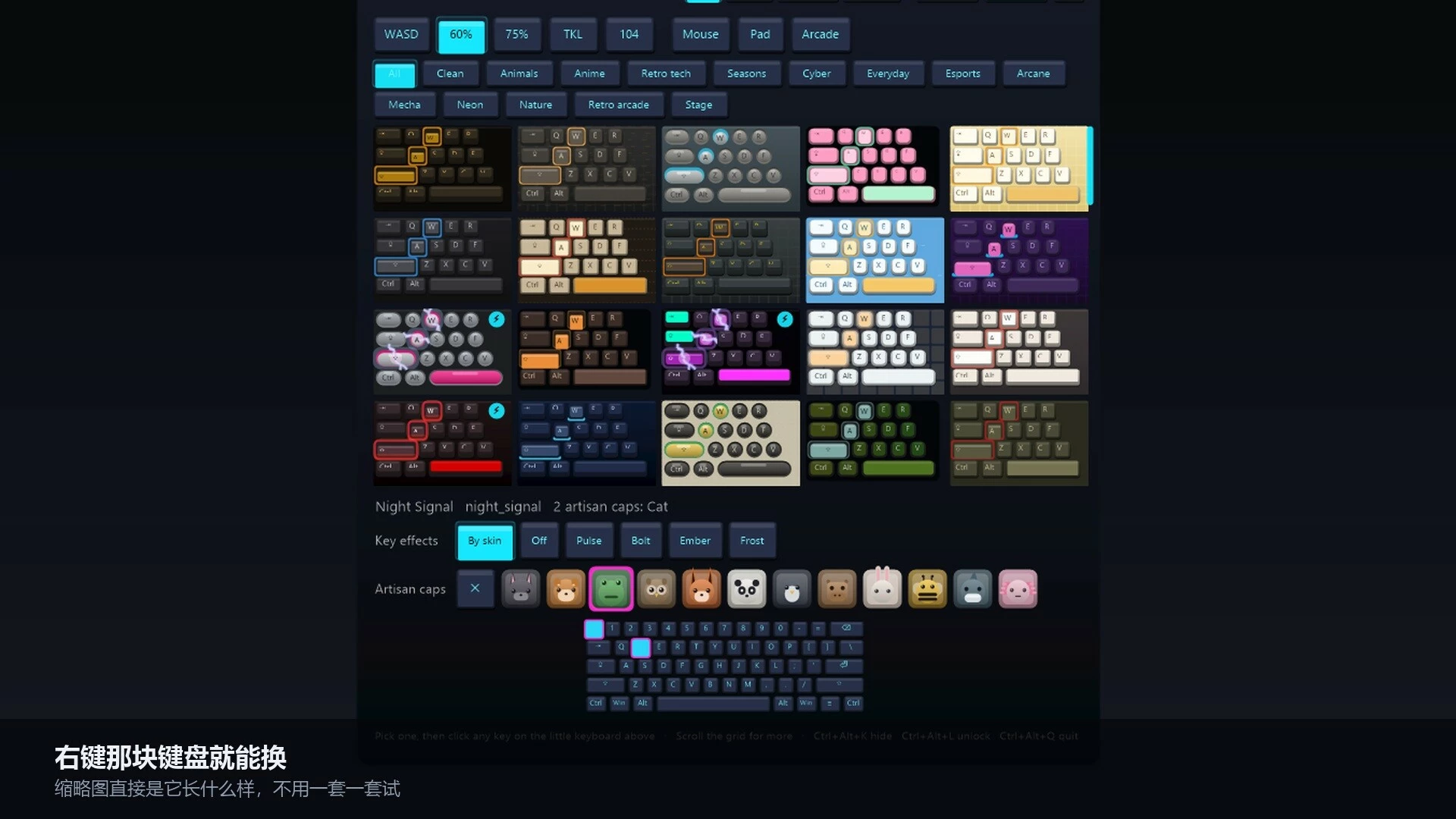
Eight built-in presets cover WASD, 60%, 75%, TKL 87, Full 104, mouse, XInput gamepad and arcade controls. Combine up to four layouts on screen, such as a keyboard with mouse and gamepad displays.The visual picker lets you preview and select the included styles:
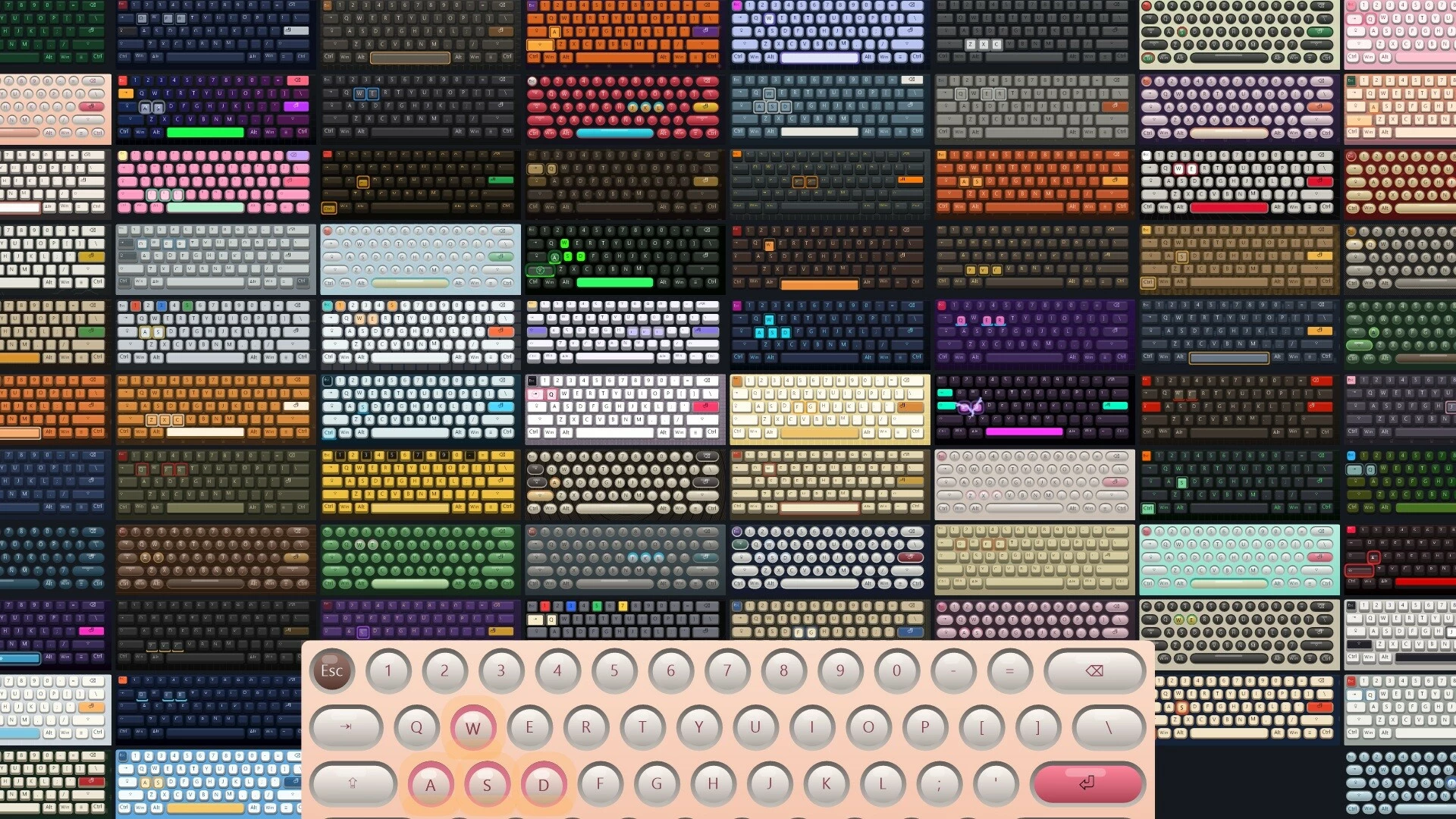
- 86 skins with different colors and keycap designs.
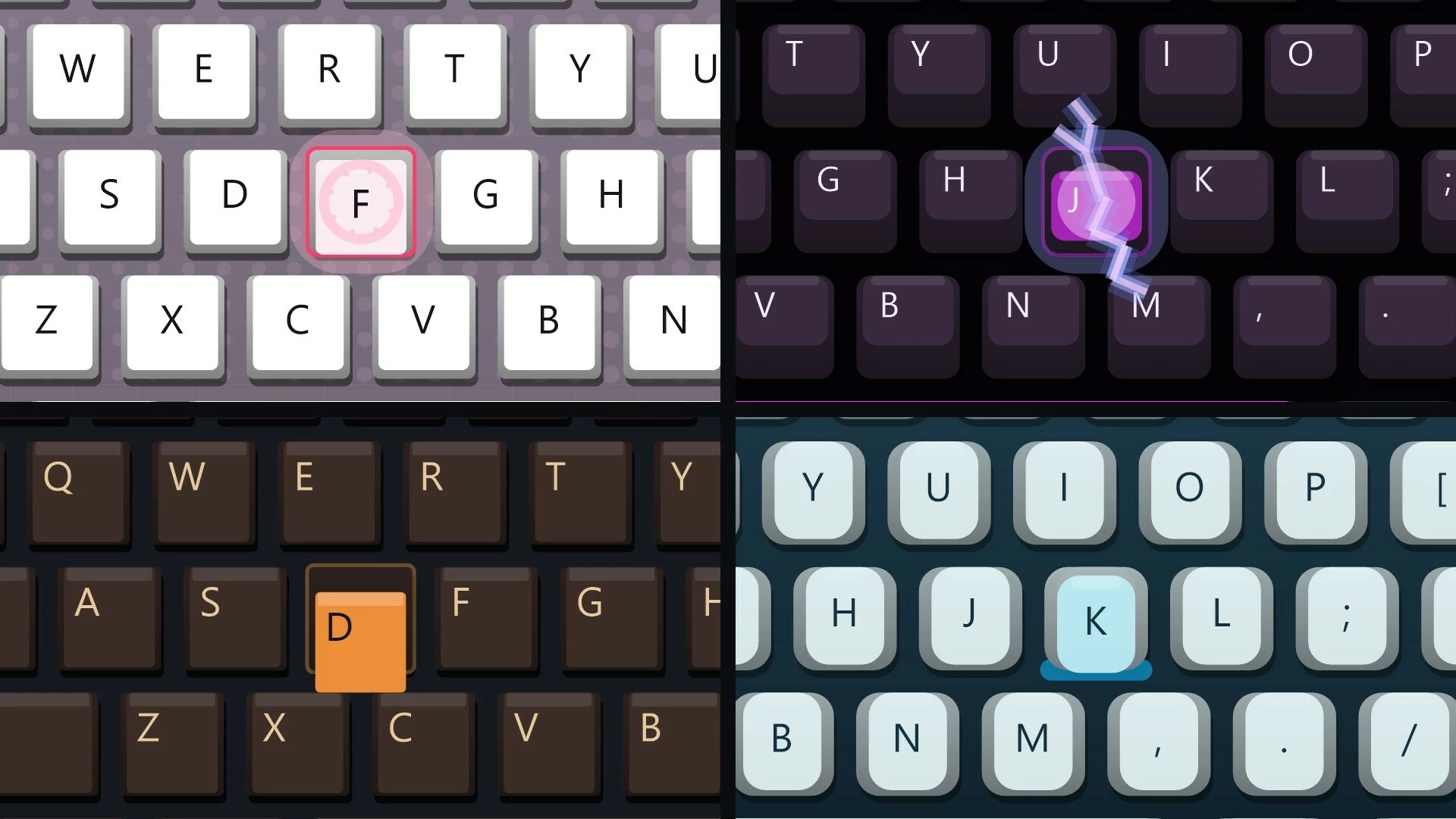
- Four key effects: Pulse, Bolt, Ember and Frost. Effects can follow the skin or be turned off.
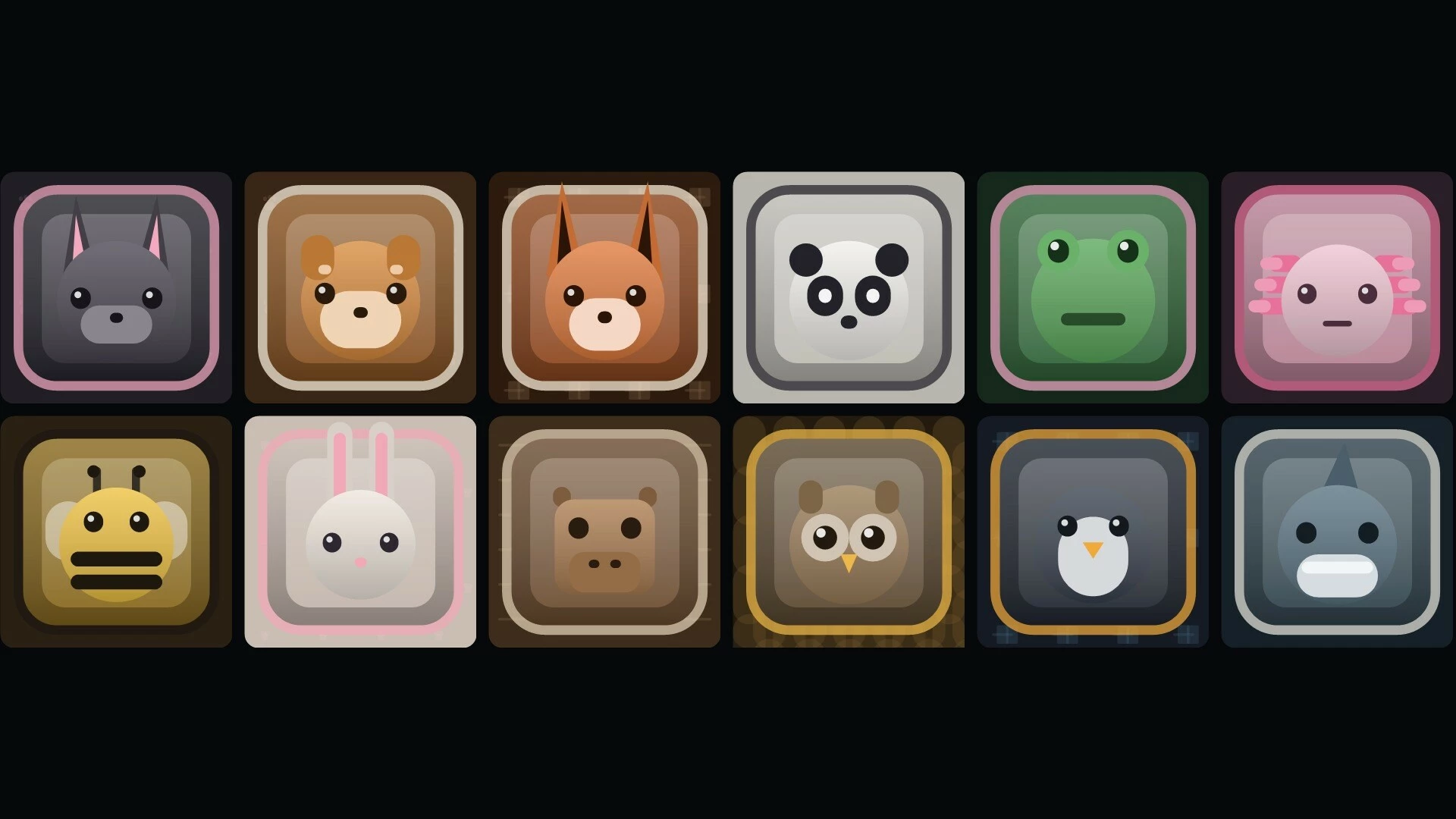
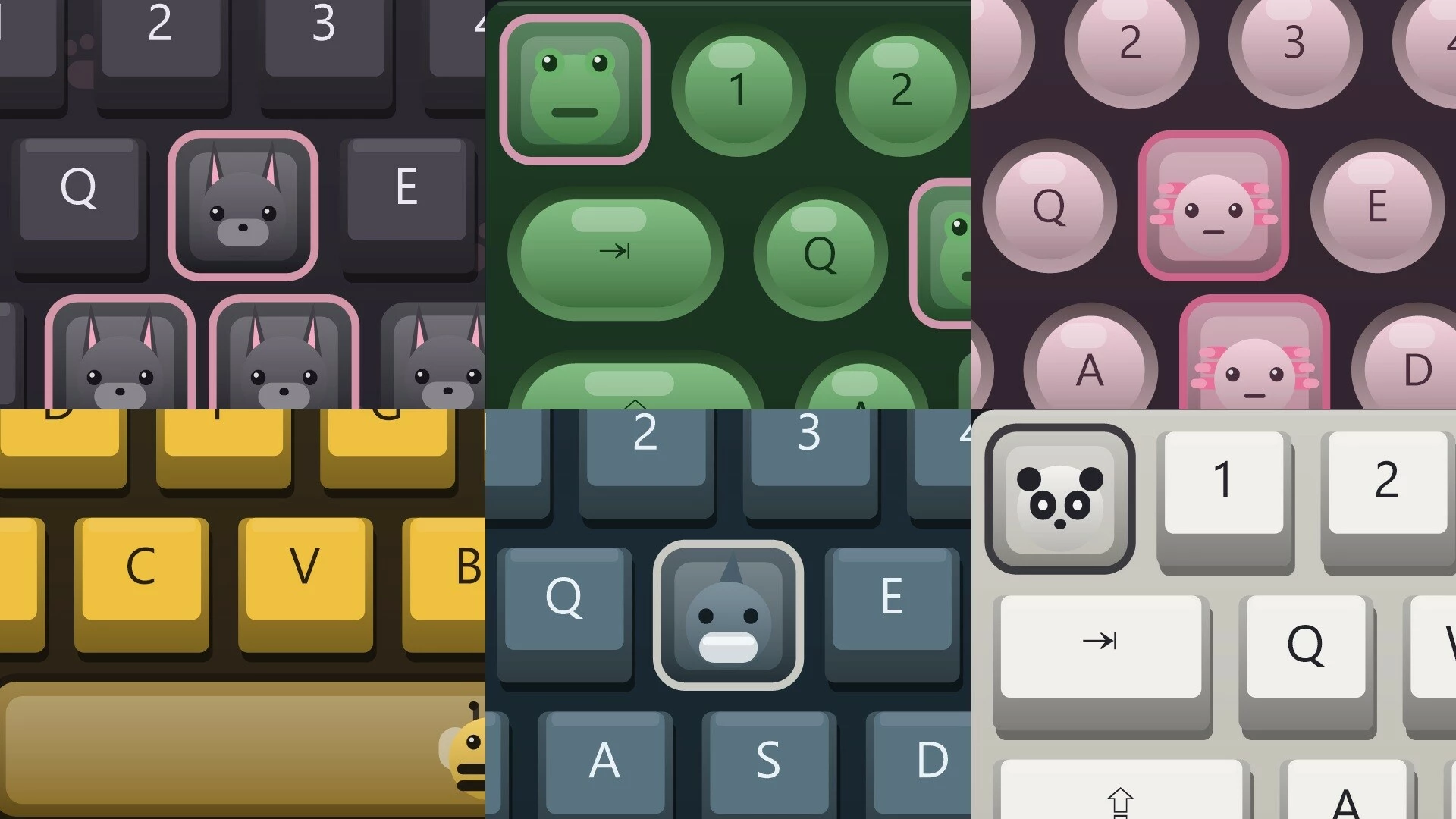
- 12 animal keycap designs that you can place on supported keys.
Control the overlay
The locked overlay supports click-through. Unlock it to drag it into position. After briefly hovering over it, you can also drag the overlay or right-click to open the picker. Your chosen layouts, skin, effect and position are saved for the next launch.- Ctrl+Alt+K: show or hide the overlay.
- Ctrl+Alt+L: unlock or lock its position.
- Ctrl+Alt+P: open the visual picker.
- Ctrl+Alt+Q: quit KEYCAST.
The interface is available in English, Simplified Chinese, Japanese and Korean, with English selected by default. Some preset names remain in English.
Current scope and compatibility
- Windows only. The app's menus and settings are operated with a mouse and keyboard.
- Preset input displays. Keyboard labels follow the selected preset; typed text and IME composition are not displayed. Pause is not included in the keyboard presets.
- XInput controllers. Controller input is shown from the first connected XInput device. Native input from non-XInput controllers is not supported.
- Customization. Position can be dragged. Size currently requires editing the scale setting in the local settings file. This version has no in-app visual layout editor or custom-image importer.
- Recording and display compatibility. KEYCAST does not record video. Capture software and some display setups, including exclusive fullscreen, high-DPI or multiple monitors and administrator-level windows, still await full validation. Check your setup before recording or broadcasting.
Активация продукта в Steam
- Если не установлен Steam клиент, скачайте его для Windows (клиент также доступен на Mac и Linux) и установите.
- Запустите Steam, зайдите в свой аккаунт или зарегистрируйте новый, если у вас его еще нет.
- При оформлении заказа, предоставьте ссылку на свой профиль в Steam или ваш SteamID состоящий из 18 цифр (765***).
- Ожидайте приглашения от нашего бота (если у вас аккаунт с ограниченными правами) или добавьте бота в друзья (ссылка на бота будет предоставлена после успешной оплаты).
- После того, как вы добавите нашего бота в друзья, игра автоматически (время ожидания обычно составляет не более 5-30 секунд) будет отправлена вам в виде подарка (гифта).
- Примите подарок, добавьте в Библиотеку и нажмите «Играть».
Детали игры
Похожие игры


Популярное





Комментарии и отзывы (0)
Если у Вас не отправляются сообщения - почистите cookie в браузере
и авторизуйтесь заново :)


Войдите для комментирования

Узнайте первым о снижении цены
Введите ваш адрес электронной почты
и мы вам напишем, если цена на этот товар снизится
и мы вам напишем, если цена на этот товар снизится
Отписаться
Ваш e-mail будет отписан.
Язык:
Валюта:
Язык: