

Купить StreamSpook

Everything you need for your stream, in one app. Set up chat overlays, text-to-speech, captions, stream effects, and more, add them to OBS in one click, catch problems while you're live, and review your stream afterwards.

Everything your Twitch stream needs, in one app
StreamSpook brings the tools you use for streaming together in one place.
Set up chat overlays, text-to-speech, speech-to-text captions, translation, alerts, channel point effects, clip playback, and more without juggling multiple apps and browser tabs.
Supported overlays can be added to OBS with a single click, so getting your stream set up takes less time.
Catch what you might miss while you're live
When you're focused on a game or talking to viewers, it can be difficult to notice everything happening on your stream.
StreamSpook helps you keep an eye on things such as:
Concurrent viewers
Chat activity
Long periods of silence
Microphone and game audio levels
Dropped frames and connection issues
Stream status and performance
The Live Dashboard brings the information you need during a stream together in one place.
Review your stream afterwards
Once the stream is over, StreamSpook keeps the useful information around so you can look back at what happened.
Review viewer changes, chat activity, clips, stream events, and other recorded data alongside your Twitch VOD.
Stream History lets you browse previous streams in one place, while viewer notes help you remember new followers and returning viewers so you have something to talk about when they come back.
Stream tools
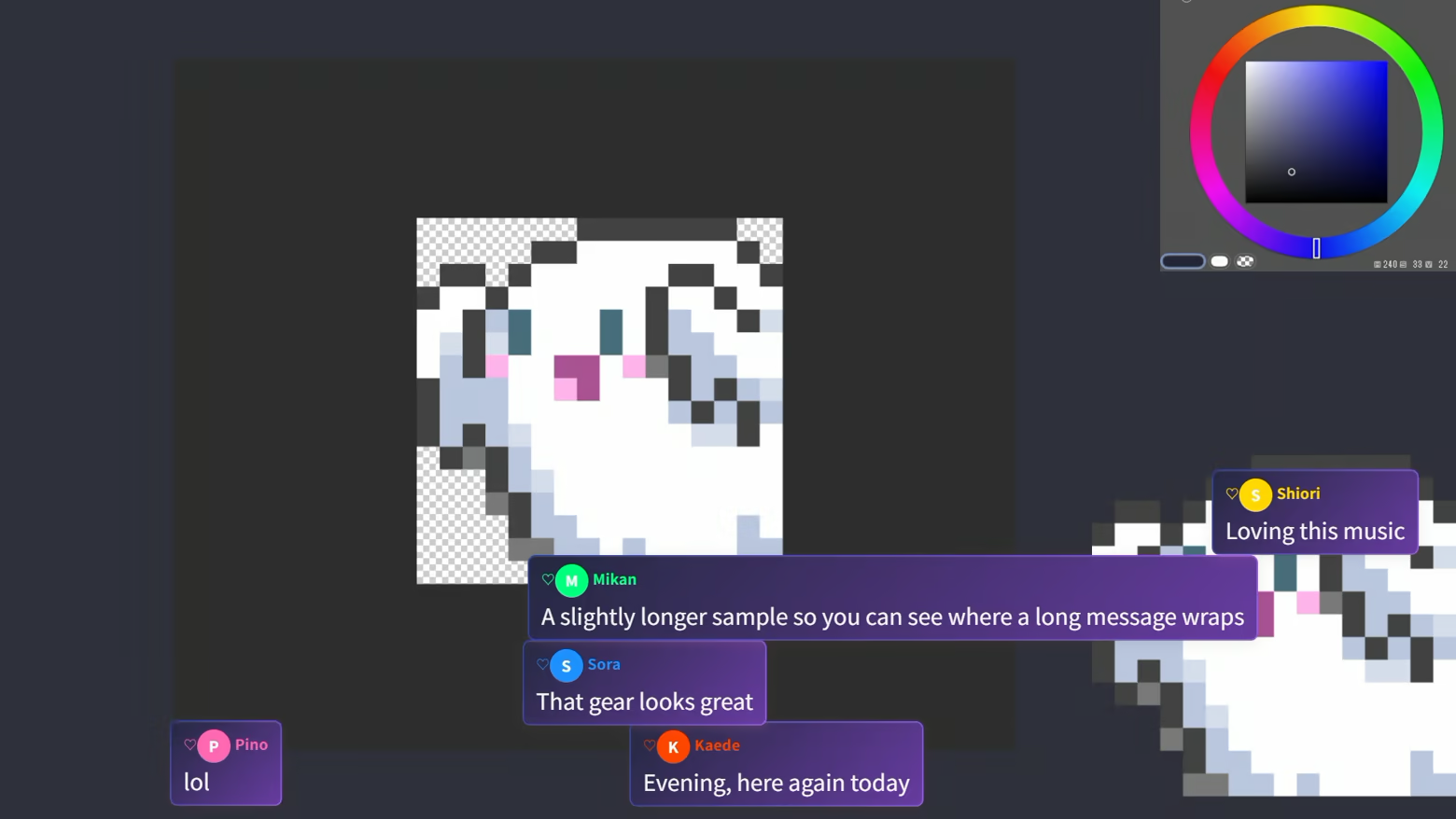
Chat Overlay
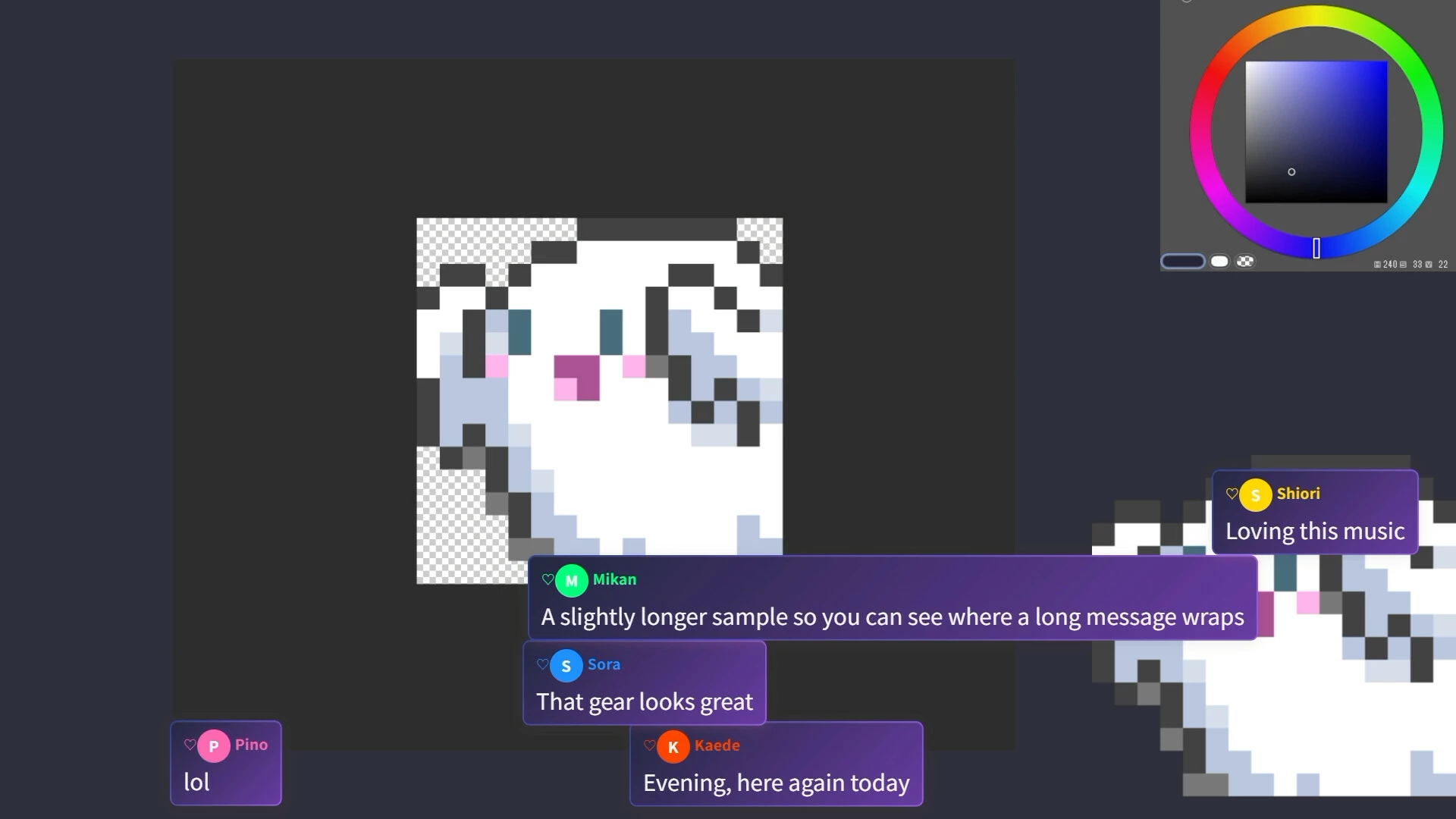
Display Twitch chat directly on your stream and customize how messages appear.
Text-to-Speech
Read Twitch chat messages aloud so you can keep up with chat without constantly looking away from your game.
Translation Bot
Translate Twitch chat without a monthly subscription or character limit. Supported translation can run locally on your PC.
Speech-to-Text Captions
Turn your microphone audio into real-time captions for your stream.
Alerts
Display Twitch events such as follows, subscriptions, and Bits directly on your stream.
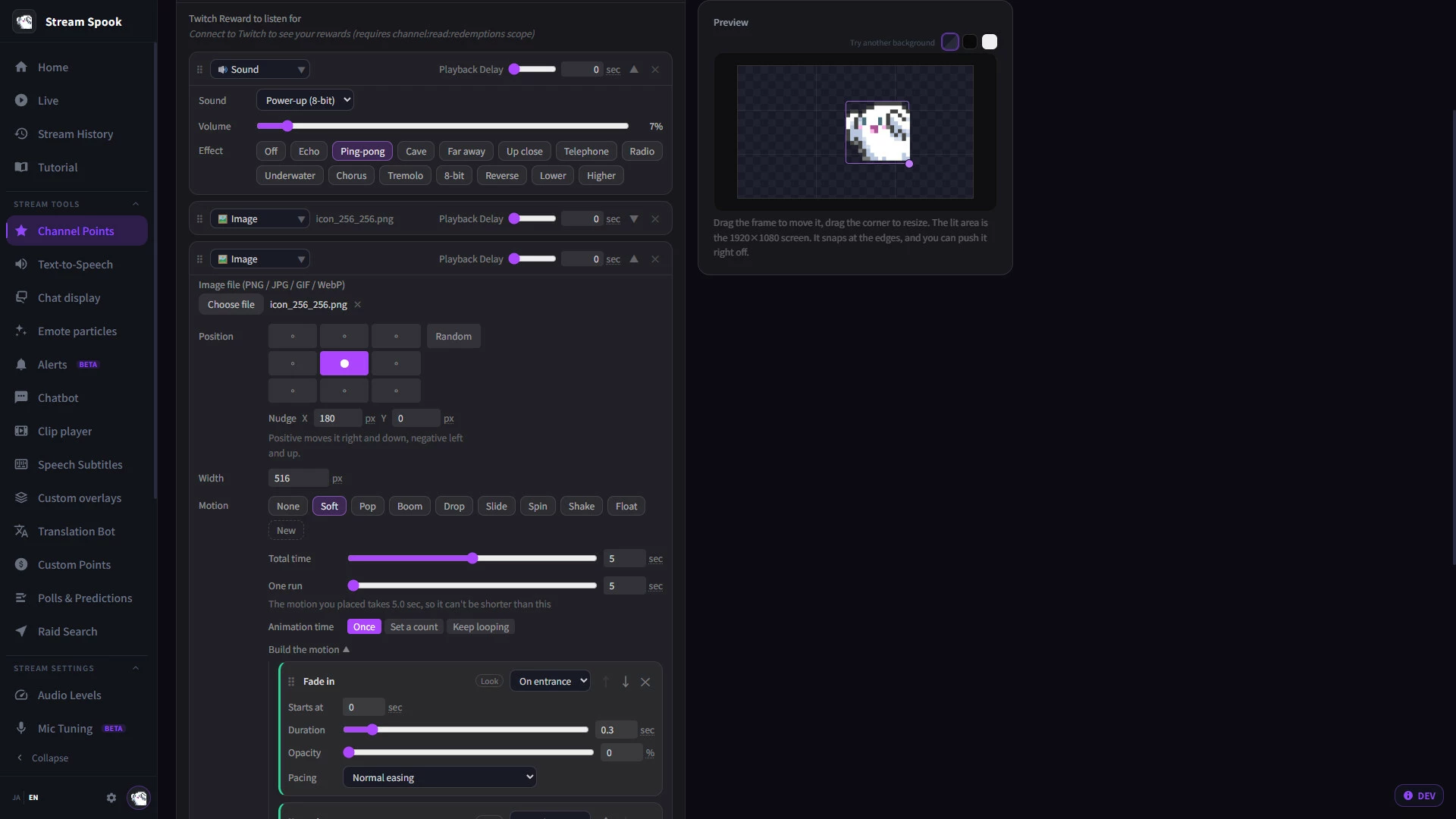
Channel Point Effects
Connect Twitch channel point rewards to sounds, images, and other stream effects.
Emote Effects
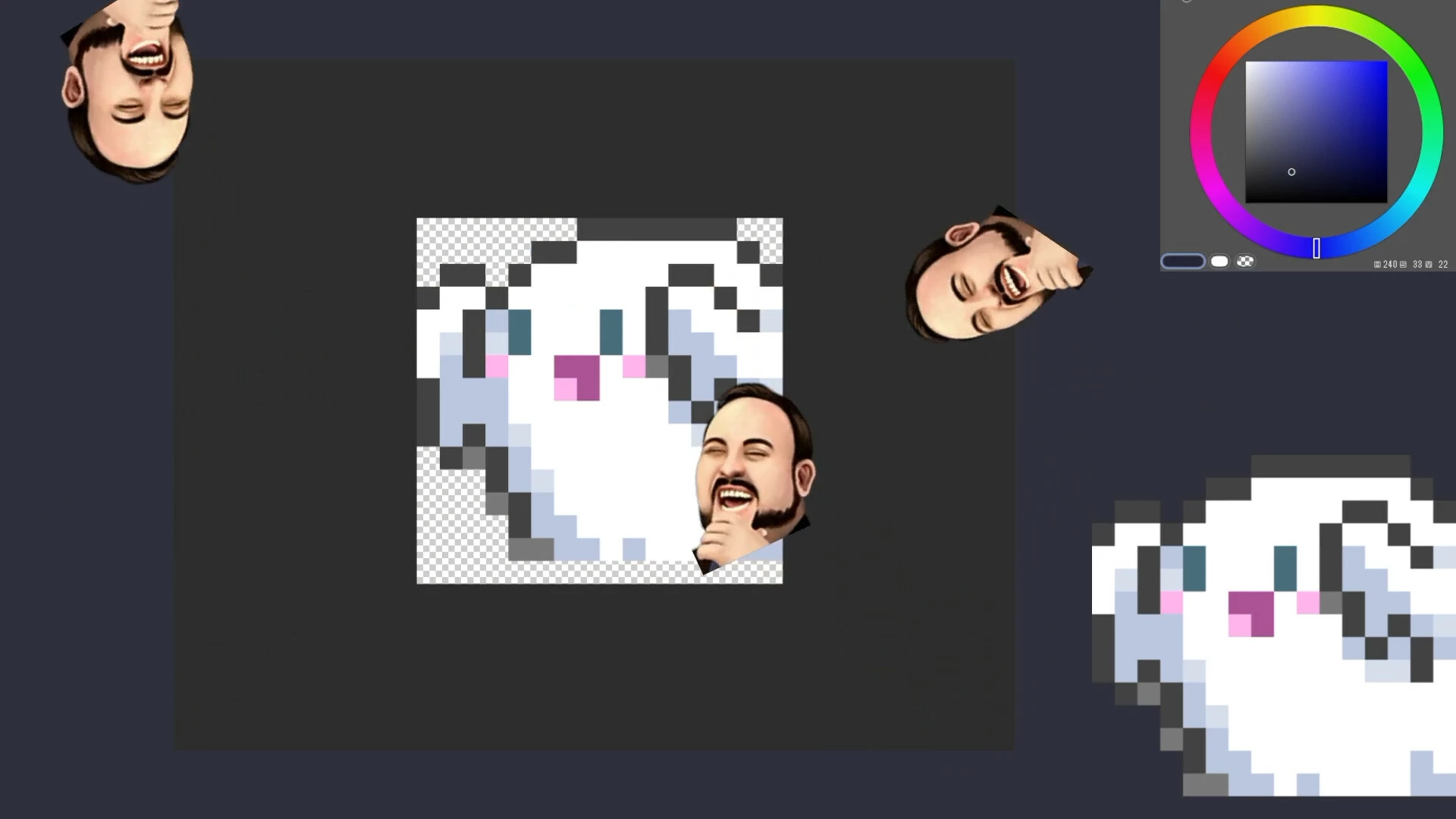
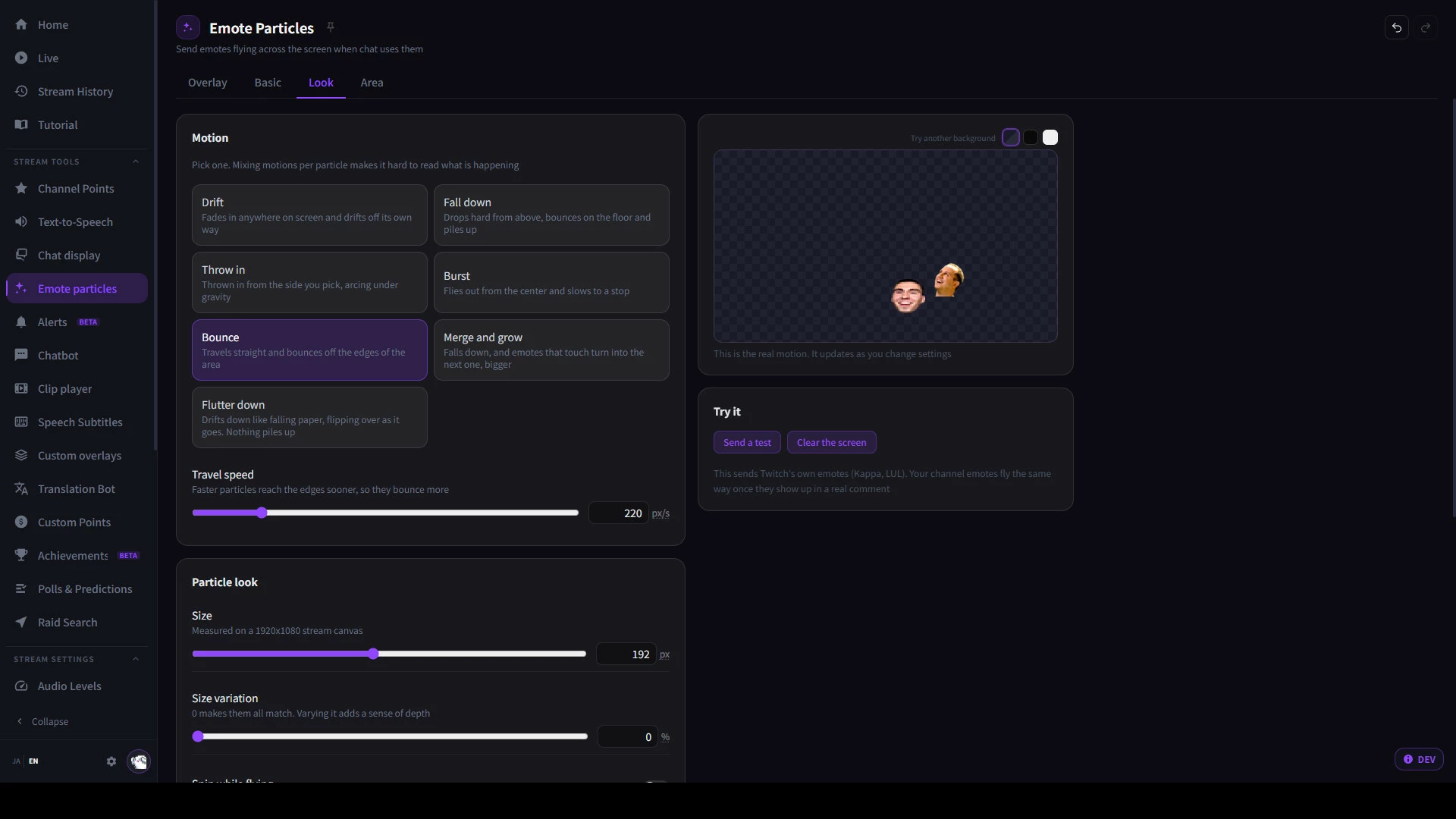
Turn Twitch emotes into visual effects that appear on your stream.
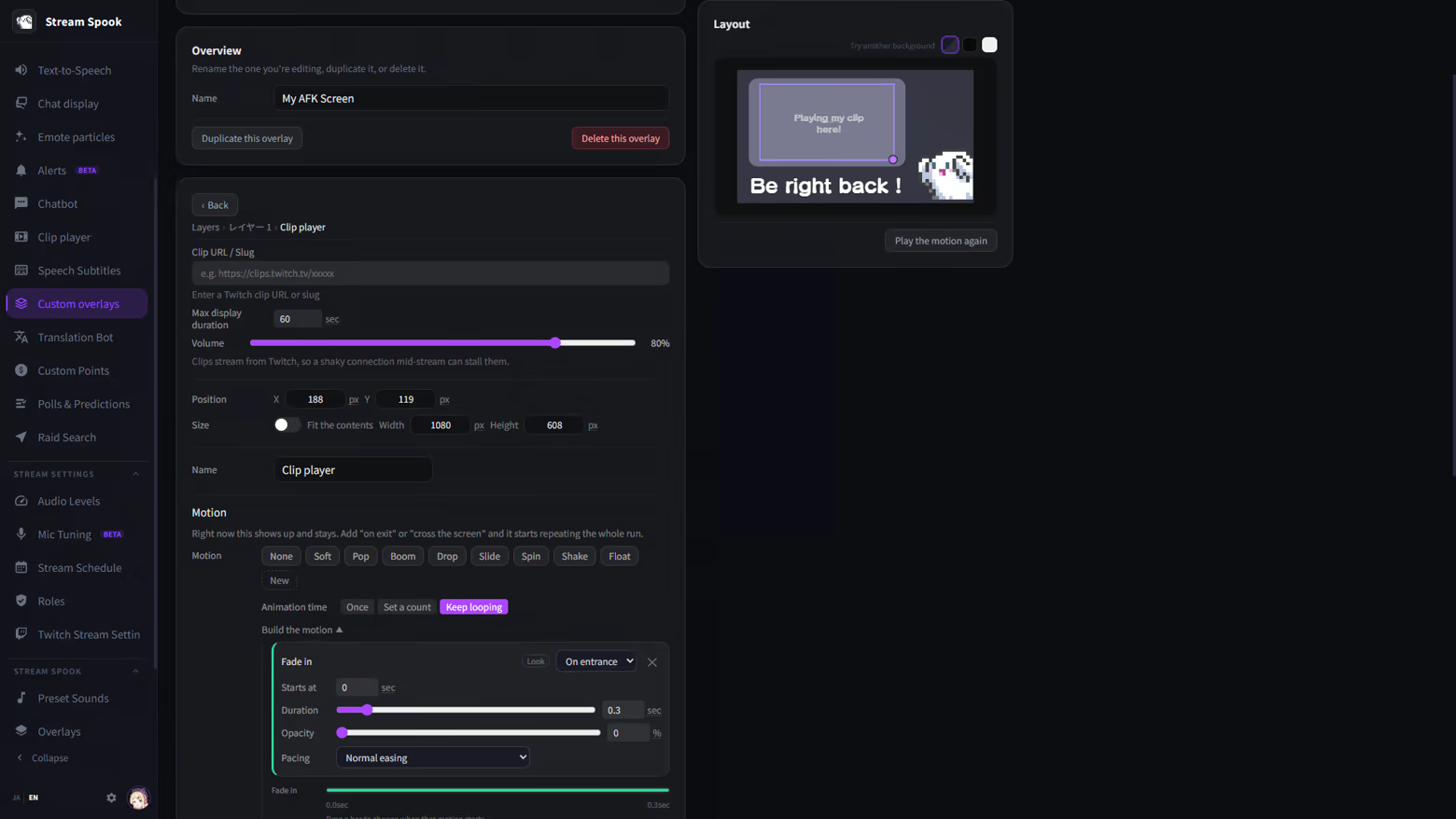
Clip Player
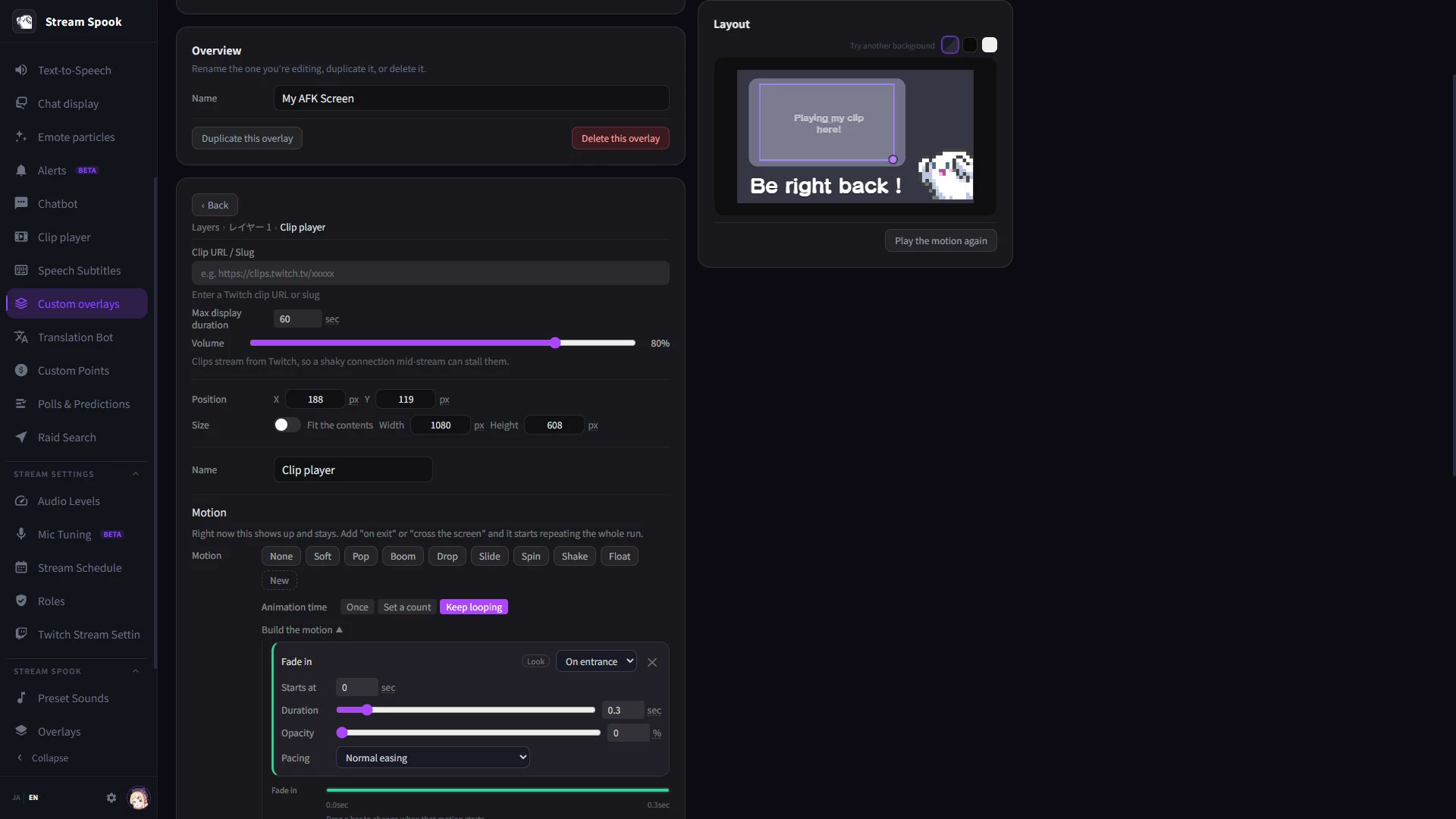
Play Twitch clips directly on your stream.
Custom Overlays
Create and manage additional overlays for your stream from StreamSpook.
Stream monitoring
Live Dashboard
See viewer count, chat activity, silence, audio levels, connection health, and other useful stream information in one place.
Audio Check
Check the balance between your microphone and game audio and quickly spot levels that may be too loud or too quiet.
Microphone Setup
Measure your microphone and get recommended settings to help you create a more consistent audio setup.
Stream Health
Keep an eye on dropped frames, connection problems, and other issues that may affect your broadcast.
Records and analytics
Stream Review
Look back at viewer activity, chat, clips, and stream events to see what happened during your broadcast.
Stream History
Browse previous streams with Twitch VODs and StreamSpook records together in one place.
Viewer Notes
Leave notes about new followers and viewers so you can remember them when they return.
More tools for Twitch
StreamSpook also includes tools for polls and predictions, stream scheduling, viewer and role management, raid discovery, pre-stream checks, and other everyday Twitch tasks.
Your stream data stays on your PC
Stream records and viewer data are stored locally on your computer.
Supported speech recognition and translation features can also run on-device. StreamSpook does not use your stream records to train AI models.
Steam Cloud is used only for supported application settings, not your stream records or viewer history.
One-time purchase
StreamSpook is a one-time purchase. No subscription is required to use the included core features.
A separate StreamSpook account is not required. Connect your Twitch account and start using the tools you need.
- Если не установлен Steam клиент, скачайте его для Windows (клиент также доступен на Mac и Linux) и установите.
- Запустите Steam, зайдите в свой аккаунт или зарегистрируйте новый, если у вас его еще нет.
- При оформлении заказа, предоставьте ссылку на свой профиль в Steam или ваш SteamID состоящий из 18 цифр (765***).
- Ожидайте приглашения от нашего бота (если у вас аккаунт с ограниченными правами) или добавьте бота в друзья (ссылка на бота будет предоставлена после успешной оплаты).
- После того, как вы добавите нашего бота в друзья, игра автоматически (время ожидания обычно составляет не более 5-30 секунд) будет отправлена вам в виде подарка (гифта).
- Примите подарок, добавьте в Библиотеку и нажмите «Играть».












и мы вам напишем, если цена на этот товар снизится